Free AI Photo is an independent, no-account creative tool. No sign-up, no credits, and no watermark — just describe a shot and create it.
3D Render Style
Describe an object or a character and get back something that looks like it came out of a 3D render engine — clean materials, soft studio light, honest reflections and the faint depth of field a virtual camera gives you. This 3D mode speaks the vocabulary of CG rather than photography.
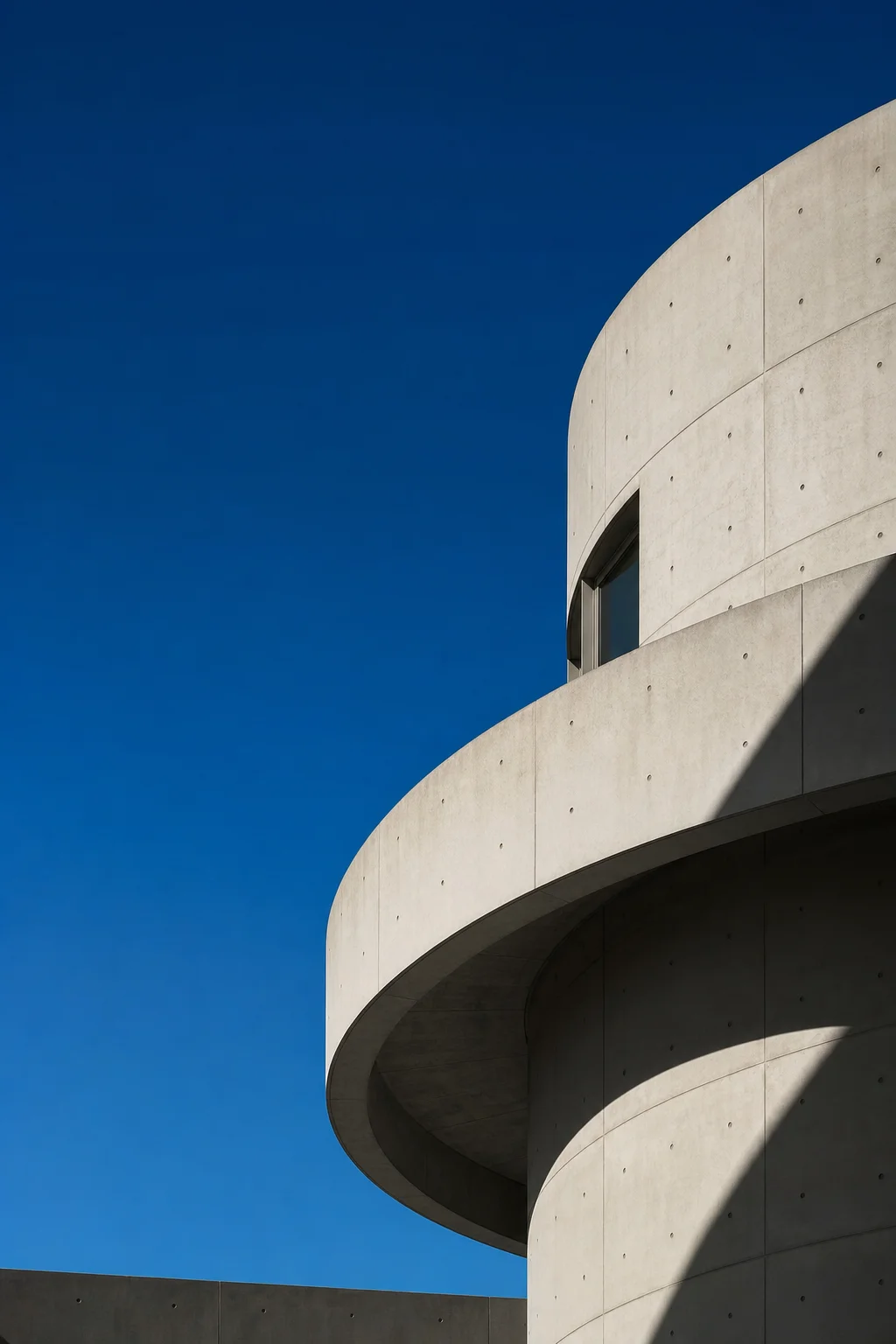
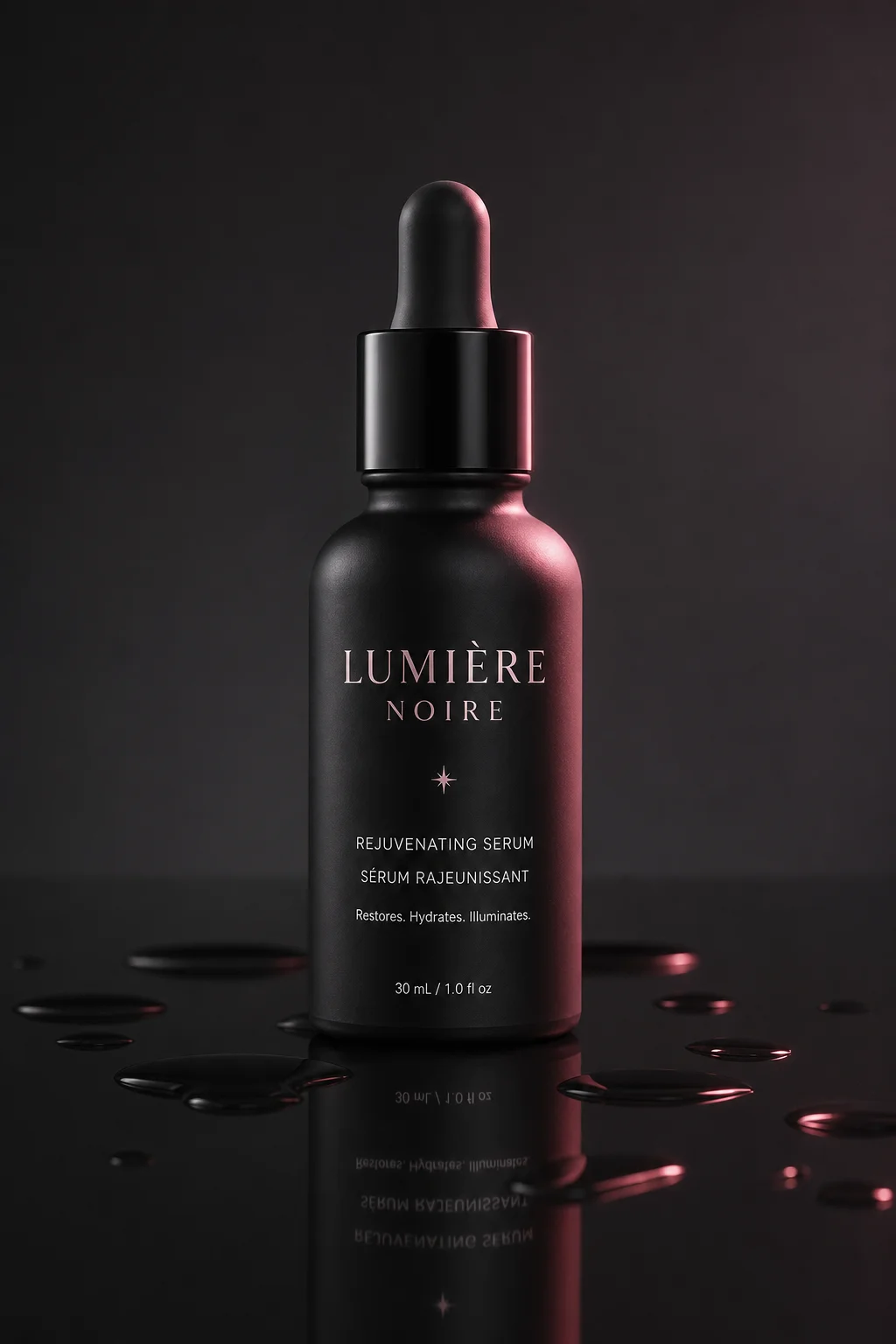
A convincing 3D look is not a filter laid over a photograph. It is a set of physical rules — how light bounces off a brushed metal cap, how it scatters an inch deep into a wax candle, how a floor picks up a soft coloured bounce from a red wall nearby. The 3D style applies those rules to every render, so asking for a 3D AI photo tells the engine to build surfaces and a lighting rig rather than imitate a camera. That is why the results sit comfortably next to work made in a real 3D package.
Anyone who has spent an evening waiting on a 3D render knows the loop: adjust a roughness value, re-light, wait, look again. A free AI photo tool collapses that loop to a sentence and a few seconds. Ask for a clay-shaded mascot, a cutaway isometric room, a chrome typographic sculpture on a seamless backdrop, and the 3D scene arrives already lit and composed. Nothing is queued, nothing is metered, and you can throw away twenty attempts of an AI photo before you find the one that reads properly.
This look rewards precision about materials above everything else. Say ceramic, say anodised aluminium, say frosted glass, and name the light that hits it — the 3D AI photo that comes back will hold together in a way a vague prompt never does. In a well-built AI photo the highlights sit where the geometry curves, contact shadows anchor every object to the ground, and the palette stays consistent across the whole scene. Every render lands in high definition and leaves without a watermark, so a 3D AI photo is ready for a deck or a store page the moment it appears.
What makes an image read as a 3D render
The four things that separate a 3D render from a photograph.
Material shading
Everything starts with the surface. A physically based material is described by roughness, metalness and how much light passes through it, and the eye reads those values instantly — matte rubber, polished chrome and translucent jelly each catch light in a way nothing else does. Naming the material is the fastest change you can make to an AI photo in the 3D style.
Lighting rig
Photographs get the light they were given; a 3D scene gets the light you build. A soft HDRI dome wrapping the subject produces the clean gradients of a studio shot, while a hard key with a coloured fill sharpens edges and pushes drama. Ask for the rig by name and the 3D AI photo arrives with believable falloff instead of flat, ambient illumination.
Virtual camera
A 3D camera has a focal length, an aperture and a perfectly straight horizon unless you tell it otherwise. A long lens on a small product flattens perspective the way a catalogue shot does, an isometric setup removes vanishing points entirely, and a wide angle low to the floor makes a character look heroic. Say which one you want.
Surface imperfection
Pure geometry looks dead. Micro-scratches on a metal edge, dust settling in a bevel, faint fingerprints on glass and a rounded chamfer catching a thin highlight are what convince the eye something was manufactured rather than computed. Asking for wear and edge highlights is usually the difference between a flat 3D asset and a finished render.
Those four decisions are the whole job. A 3D artist normally spends hours tuning shaders, moving area lights and rebuilding a camera before a single frame is worth keeping; here you state the same four things in one sentence and watch them resolve. Name the material, the rig, the lens and the wear together, and the 3D result that comes back will usually be closer to your reference than you expected.
Prompt modifiers that work
Drop these exact phrases into a prompt to steer a 3D render.
octane renderPushes the whole frame toward the glossy, high-contrast finish associated with unbiased path tracers.
soft studio HDRIWraps the subject in an even dome of light with gentle gradients and no harsh shadows.
subsurface scatteringLets light sink into skin, wax and marble so thin edges glow instead of going flat.
ray-traced reflectionsPuts accurate mirrored detail into chrome, glass and polished floors rather than a vague sheen.
clay materialStrips colour and gloss back to a matte sculpted surface, ideal for characters and mockups.
isometric viewRemoves perspective convergence for the tidy diorama look used in app illustration.
ambient occlusionDarkens creases and contact points so objects sit in the scene instead of floating.
product visualisationFrames a single object on a seamless backdrop with catalogue-grade lighting and spacing.
toy figurine styleRounds proportions and adds a moulded plastic finish for a collectible-shelf character.
volumetric god raysSends visible beams of light through haze to add depth to an otherwise clean scene.
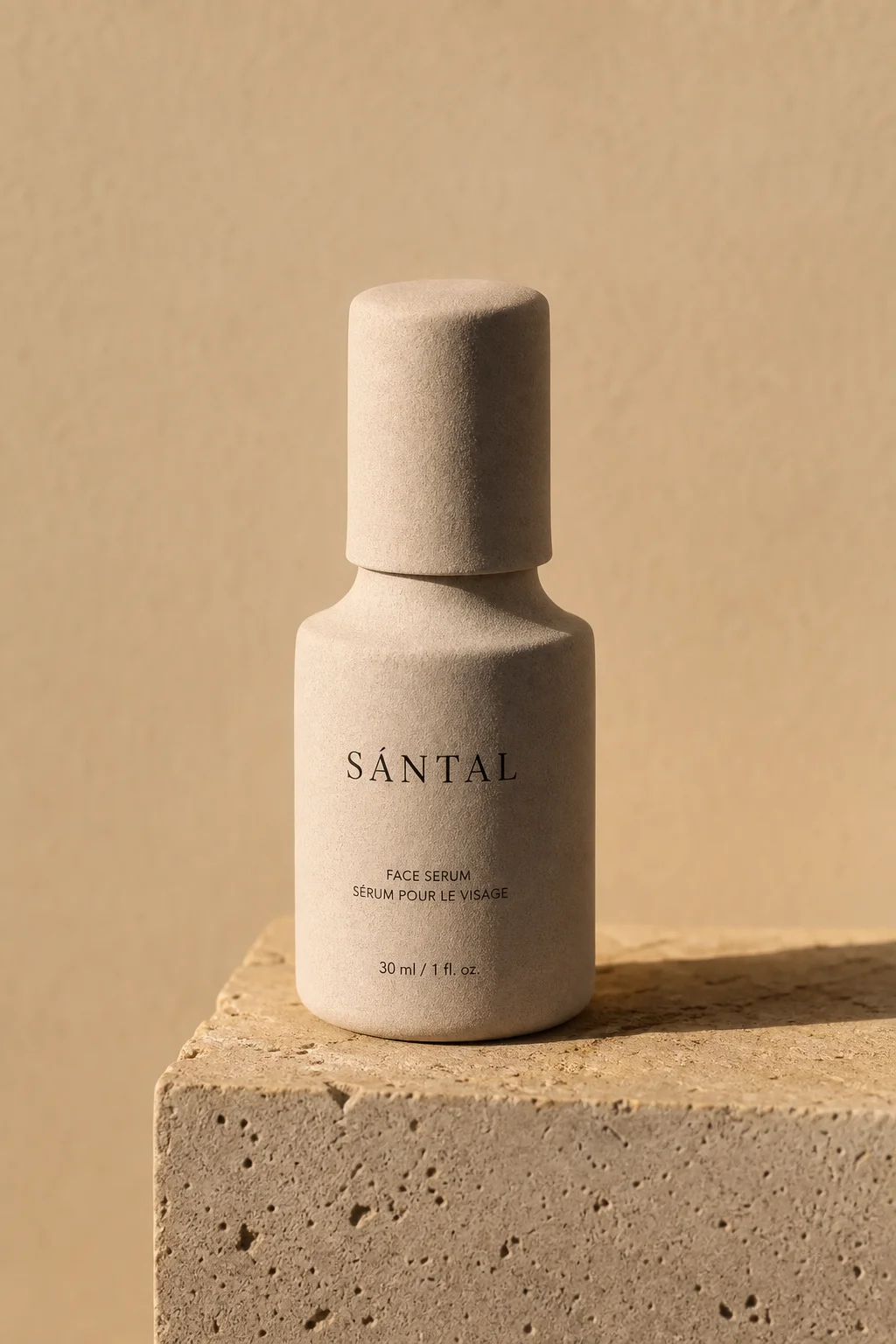
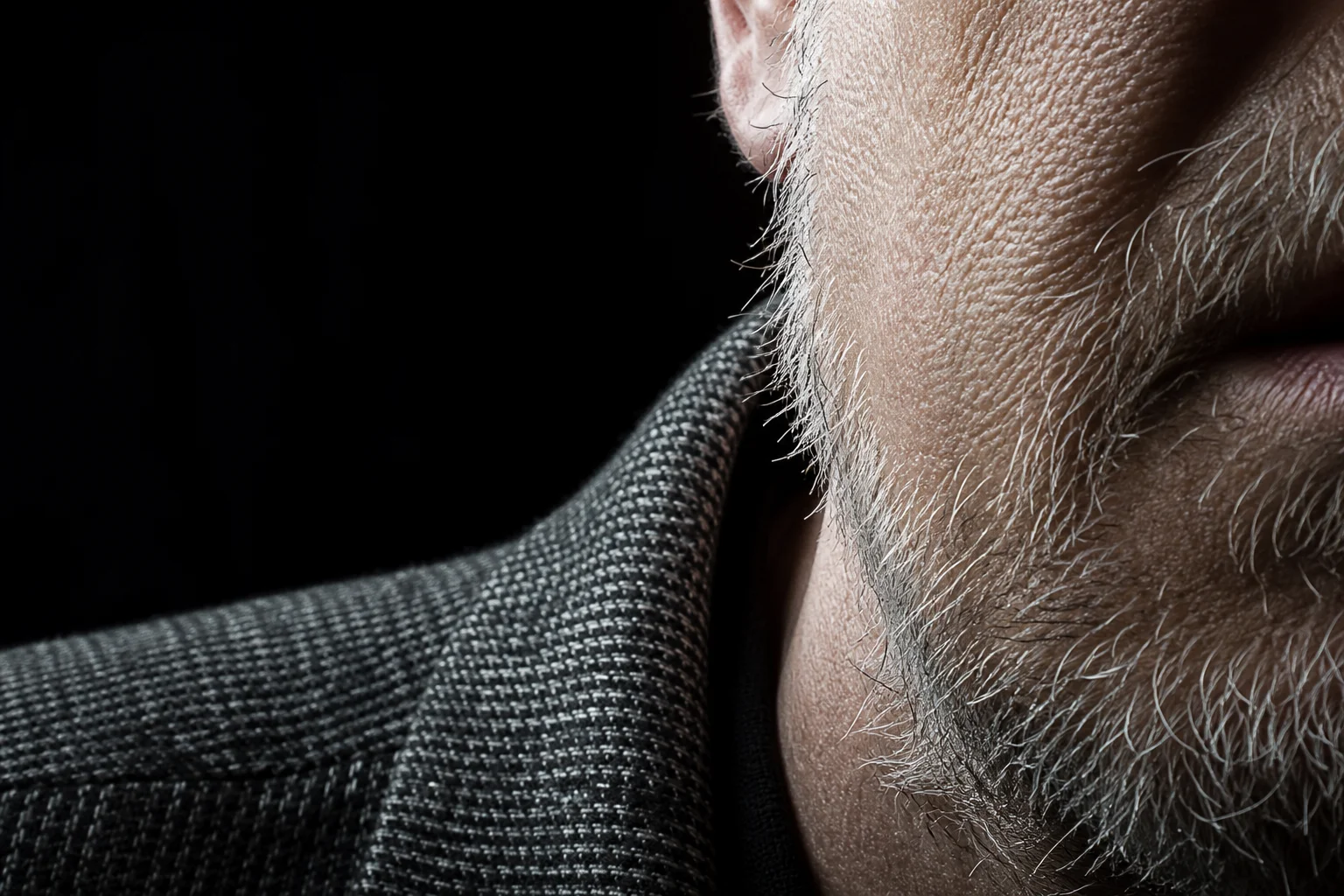
3D render examples
Load any prompt below and adjust it to taste.

Build your first scene
Describe the object, name the material and the light, then download the result. No account, no credits, no watermark — just a free AI photo engine that renders on demand.
Start creating3D render style FAQ
The questions people ask most.
Pick this style from the dropdown, then write a prompt that names the material and the lighting rig you want. The engine reads CG vocabulary directly, so terms like subsurface scattering, ambient occlusion or a soft HDRI dome change the output immediately. A high-resolution 3D AI photo comes back in a few seconds.
Yes. Every file generated here is free of watermarks and licensing conditions, so it can go into a pitch deck, a product page or a published campaign without royalties or credit. Clean CG holds up well under compression, which helps on marketplaces and app stores.
No. This is a free AI photo generator with no credits, no trial period and no paid tier waiting once you get invested. Render a 3D AI photo as often as you like, and switch to any other style in the list without hitting a limit or a prompt to upgrade.
Not for anything that needs geometry you can edit, rig or send to a printer — there is no mesh underneath, only an image. For concept boards, packaging mockups, thumbnails and pitch visuals it removes the modelling and lighting stage entirely, which is where most of the hours go.
There is no registration step at all. You can start generating immediately without an email address, a password or a payment method, and nothing about your session is tied to an identity. It is deliberately frictionless, entirely anonymous, and every render behaves the same way.
Objects and stylised characters. Products on a seamless backdrop, isometric scenes, app icons and mascots all benefit from controlled lighting and clean materials. Crowded documentary scenes and candid human moments sit better in the photorealistic mode, which chases a camera instead of a render engine.