Free AI Photo is an independent, no-account creative tool. No sign-up, no credits, and no watermark — just describe a shot and create it.
Anime Style
Turn a plain sentence into a frame that looks drawn for broadcast — clean line art, cel shading, expressive eyes and a painted sky behind them. This anime mode handles character work and background art with equal confidence, and it reads illustration vocabulary the way a key animator would.
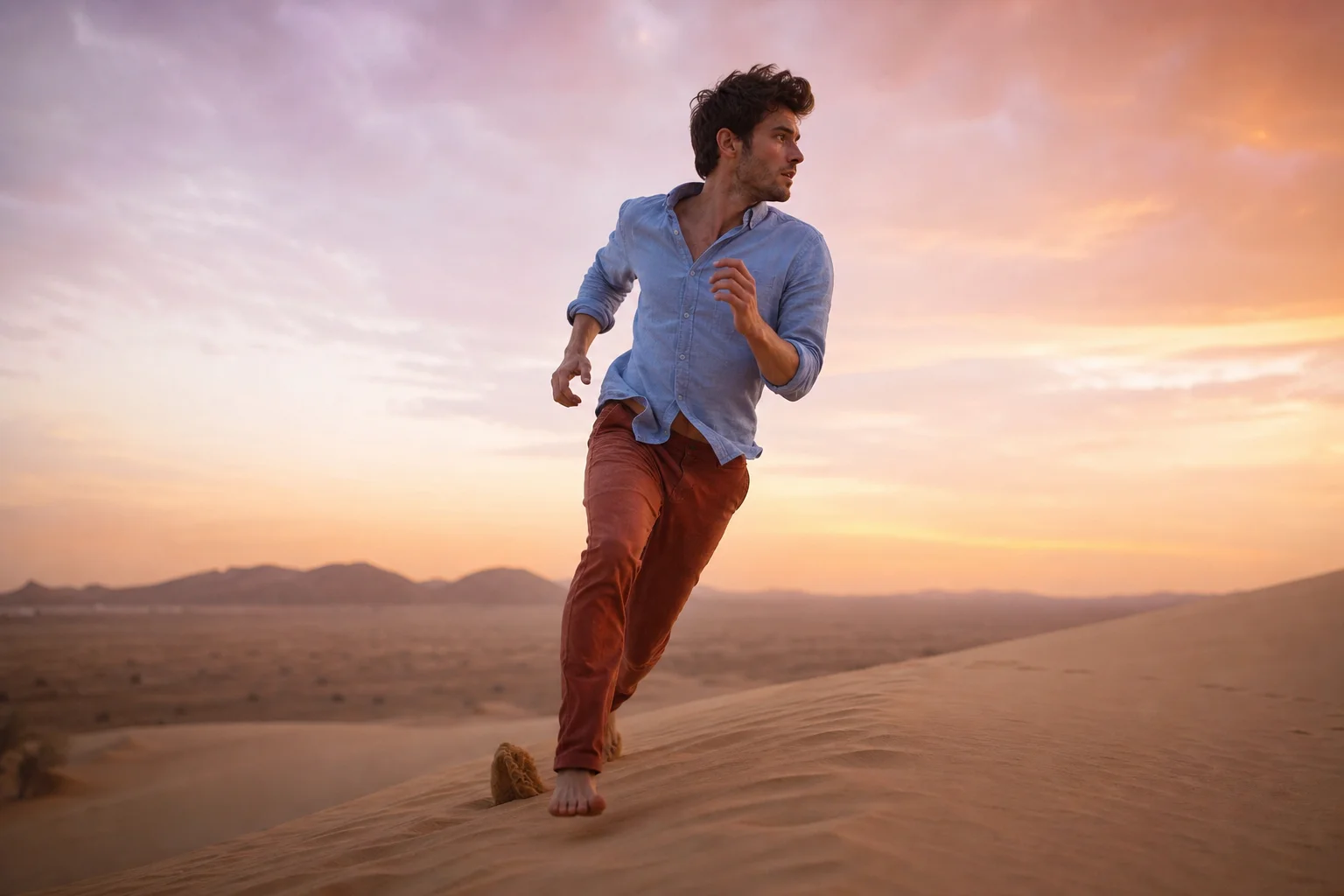
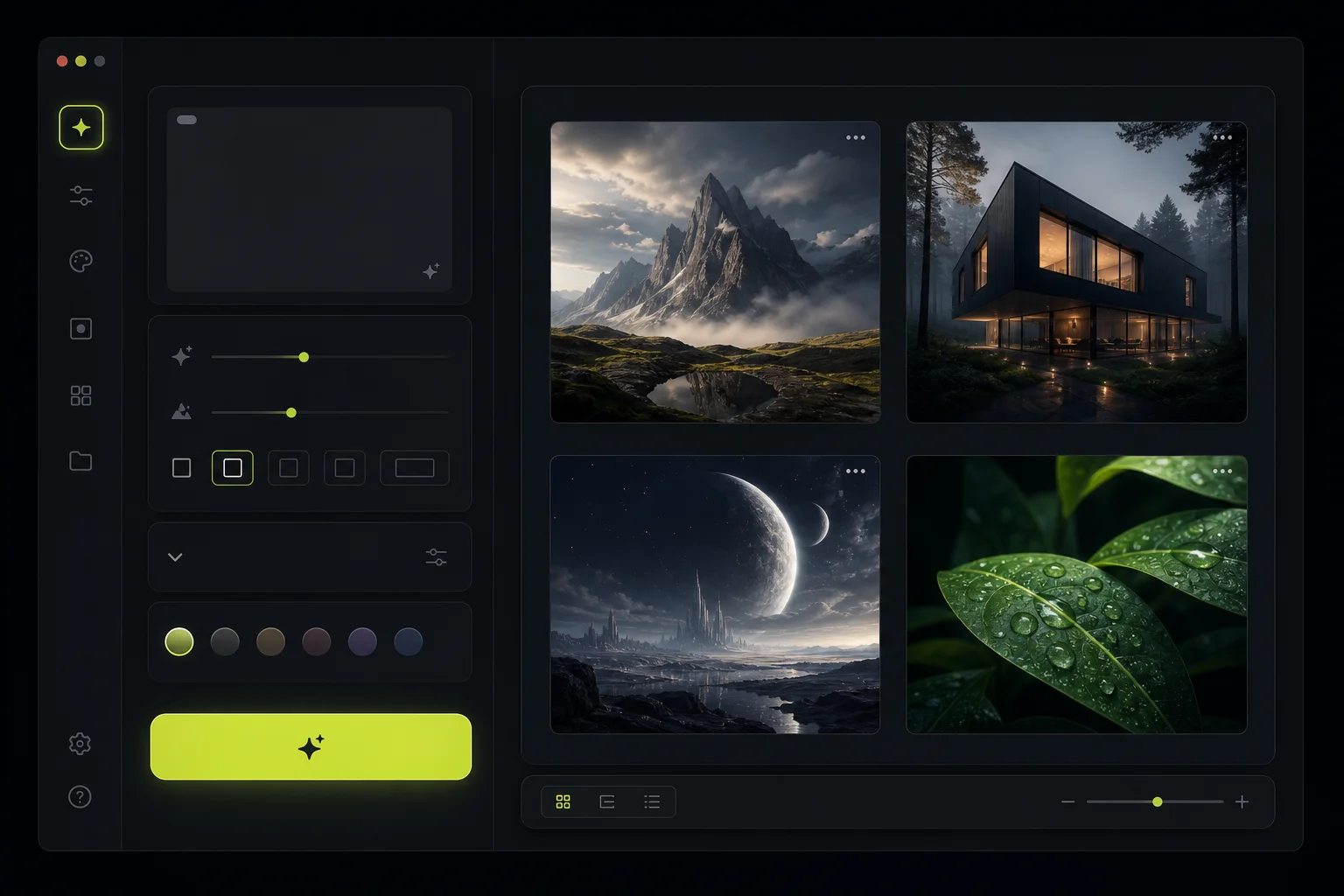
Japanese animation solved a hard problem decades ago: how to make a drawing feel alive with a fraction of the information a photograph carries. The answer was reduction — hold the form in a confident outline, flatten the light into two or three tones, and let colour do the emotional work. Asking for an anime AI photo tells the engine to follow that same discipline, so it stops chasing photographic detail and starts building an image out of shape, edge and flat colour instead. That economy is why anime still reads clearly at thumbnail size.
The style splits neatly into two halves, and this mode is fluent in both. Anime character work leans on line weight, cel shading and the enormous expressive eyes that carry most of a performance. Anime background art works the opposite way, with almost no linework at all — just painted clouds, layered foliage and hazy distance rendered like a gouache study. A good frame puts a sharply outlined figure in front of that soft painted world, and the contrast between the two is what sells it. You can steer either half from the prompt, and one AI photo can hold both if you say so.
Because this is a free AI photo generator, the whole thing is a matter of typing and looking. Describe a rain-soaked alley, a training-hall duel, a quiet kitchen at dawn, and an AI photo comes back seconds later in that stylised register. Name the era and the finish and the anime AI photo you get will land somewhere specific rather than generically cartoonish — a grainy 90s film look, a crisp modern digital anime key visual, a soft watercolour storybook page. Every render exports in high definition with no watermark on it, so nothing needs cleaning up afterwards.
What makes an image read as anime
The four things that separate a cel-shaded drawing from a filtered photo.
Line art and line weight
Everything starts with the outline. Clean, closed, confident lines describe the silhouette, and the weight varies deliberately — heavier where a form turns away from the light or meets the ground, hair-thin inside a face. Ask for clean line art and the engine holds those anime edges crisp instead of smudging them into the soft gradients of an ordinary AI photo.
Cel shading
Light gets quantised rather than blended. A lit tone, one shadow tone, occasionally a third for deep occlusion, each separated by a hard edge that follows the drawing rather than the geometry. That hard shadow terminator across a cheek or a sleeve is the most recognisable signature in anime, and naming it changes a render more than any other word you can add.
Palette and flats
Colour arrives in large flat blocks with a narrow, deliberate range — saturated hair against muted clothing, a sky pushed toward orange or teal to set the hour. Selective gradients are allowed, but only where they earn their place: a warm blush across the nose, a cool wash down a wall. Say the anime palette out loud in the prompt and the whole frame reorganises around it.
Painted backgrounds
Behind the characters, the rules invert. Anime backgrounds are painted, not drawn: towering cumulus clouds, sunlight through leaves, telephone wires cutting across a wide sky, all rendered with visible brush texture and no outline at all. This painterly depth is why a still from a feature can hold your attention with nobody moving in it.
The craft is in balancing those four against each other. An anime studio splits them across specialists — key animators on line, colour stylists on the flats, background artists on the skies — and spends days reconciling their work into one coherent frame. Here you name all four in a sentence and watch them resolve together in seconds, which makes it cheap to test whether a heavier line or a cooler palette was the right call, since every AI photo you test costs nothing.
Prompt modifiers that work
Drop these exact phrases into a prompt to steer an anime render.
cel shadedCollapses the lighting into hard-edged tone blocks instead of smooth photographic falloff.
clean line artKeeps outlines crisp, closed and even, the way inked animation cels are finished.
key visualComposes the frame as anime promotional art — centred subject, strong pose, room for a title.
90s anime film grainAdds the soft halation and analogue noise of cels photographed onto motion picture stock.
painted sky backgroundReplaces flat colour behind the subject with brushed clouds and graduated atmosphere.
flat colour blocksReduces surfaces to broad unbroken fills so the drawing reads clearly at any size.
soft rim light gradientTraces a glowing edge along the subject to lift it away from a darker backdrop.
screentone textureIntroduces printed halftone dots and hatching for a manga-page feel rather than a broadcast anime one.
dynamic action pose, speed linesThrows the figure into motion and streaks the background to imply violent speed.
watercolour background artSoftens the environment into washed pigment and bleeding edges for a gentler storybook mood.
Anime examples
Load any anime prompt below and adjust it to taste.
Draw your first frame
Describe a character, name the finish and the palette, then download the anime result. No account, no credits, no watermark — just a free AI photo engine that renders on demand.
Start creatingAnime style FAQ
The questions people ask most.
Pick this style from the dropdown, then say cel shaded and clean line art directly in the prompt. Those two phrases do most of the work, because they tell the engine to quantise the lighting and hold hard outlines. Add a palette and a background treatment and the anime AI photo that comes back will be closer to finished art than to a filtered photograph.
Yes, and it is one of the strongest things here. Ask for an empty street, a shrine staircase or a classroom at dusk and describe the weather and the hour, and the anime background art arrives with no figure in it at all. These make good establishing shots and video backdrops, and each AI photo exports at full resolution.
No. This is a free AI photo generator with no credits, no trial window and no paid tier waiting once you are invested. Render an anime AI photo as often as you like, switch to any other style in the list, and nothing will stop you or ask you to upgrade partway through.
Yes. Every file leaves without a watermark or licensing conditions, so an anime AI photo can go into a game mock-up, a book cover, a video thumbnail or a published campaign with no royalties and no credit line required. The flat colour survives compression well, which helps on social.
There is no registration step at all. You can start generating immediately without an email address, a password or a payment method, and nothing about the session is tied to an identity. It is deliberately frictionless, entirely anonymous, and every anime render from this free AI photo tool behaves the same way.
Name it. Retro anime cels, modern digital key visual, manga screentone and soft watercolour are four genuinely different treatments, and the engine separates them cleanly. Adding a decade or a medium to your prompt narrows the result far more reliably than piling adjectives like beautiful or detailed onto an AI photo.