Free AI Photo is an independent, no-account creative tool. No sign-up, no credits, and no watermark — just describe a shot and create it.

Free AI Headshot Generator

Turn a written brief into a polished business portrait. This free AI headshot generator makes clean corporate frames, LinkedIn profile photos and matching team sets in seconds. No studio hire, no day rate — describe the shot you want and download it.

★ 4.9 / 5 for professional portraitsOver 1.2M+ headshots generatedNo sign-up required
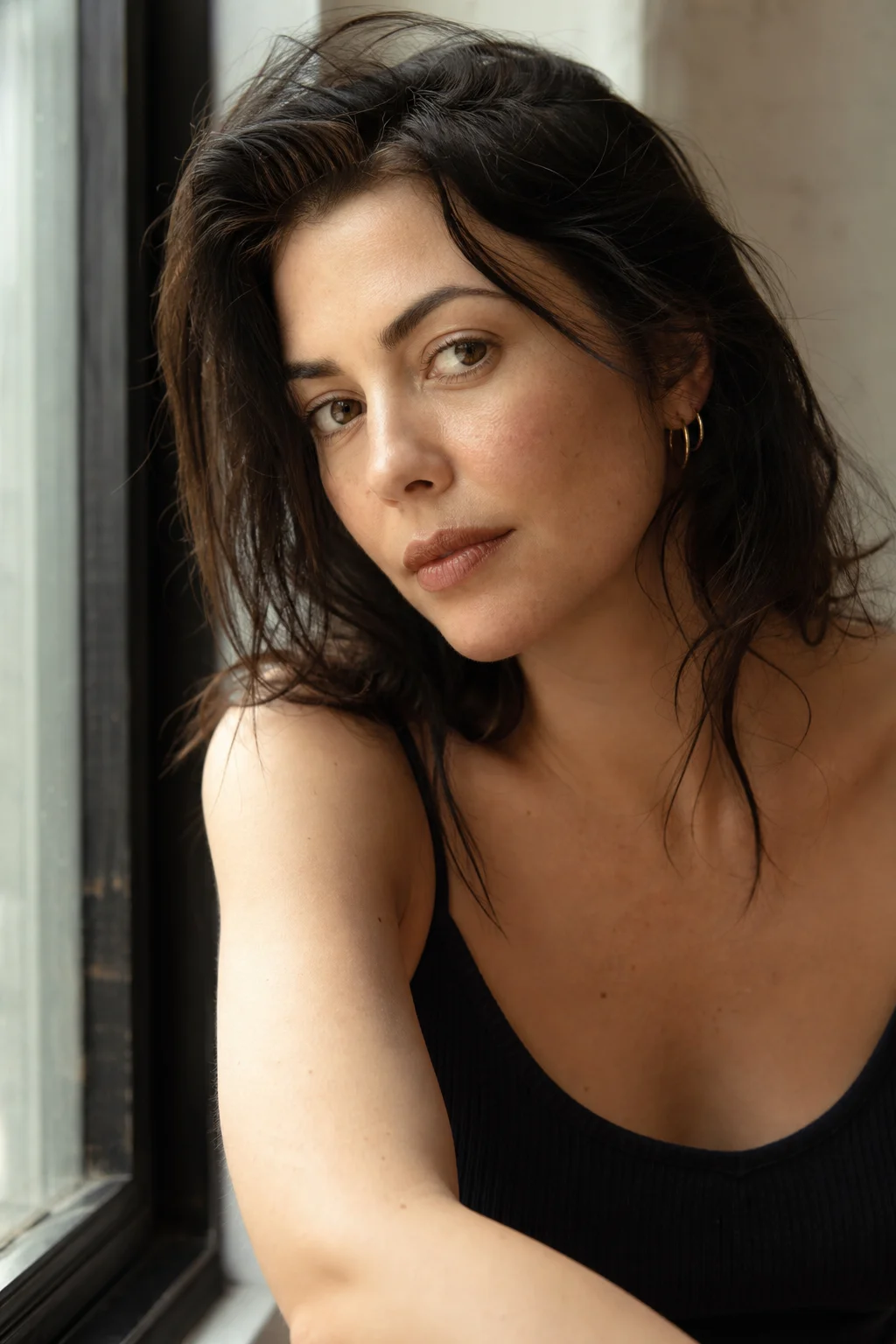
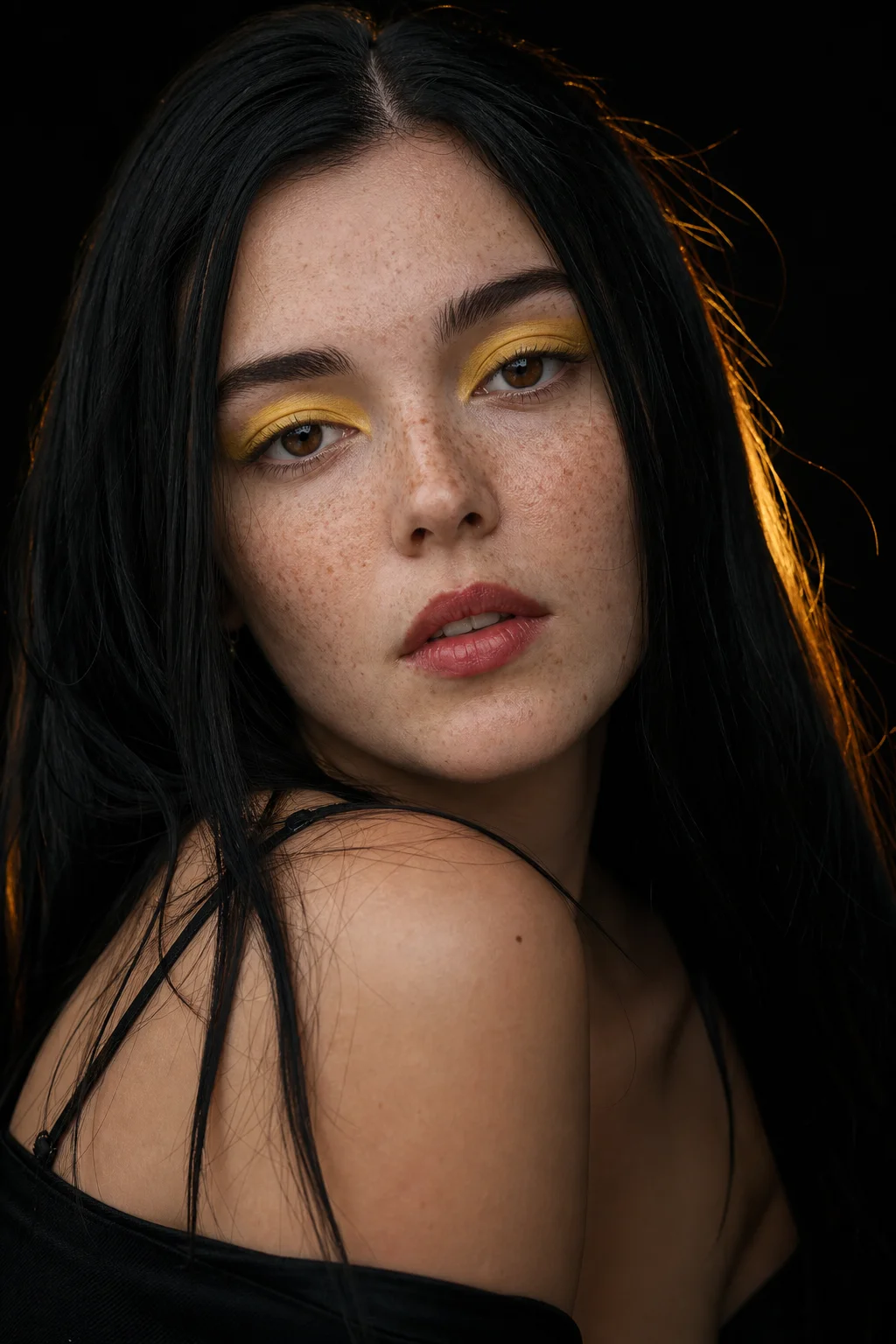
Corporate portrait on a seamless grey backdrop
Executive lit by window light in a modern office

A good business portrait does a specific job: it has to look like you on your best Tuesday, sit beside the rest of your team page, and survive being cropped into a circle at forty-eight pixels. The AI engine here is built for that job, and it runs on the same free AI photo model as the rest of the site. Instead of booking a studio, you write a description — wardrobe, backdrop, lighting, expression — and the AI returns a finished frame. Founders, agencies and conference organisers use it to fill a speaker page or an about-us grid without chasing eleven colleagues for a decent headshot. Every AI headshot costs nothing and arrives unbranded.

The hard part of synthetic portraiture is the plastic sheen that gave early models away. This AI was trained on editorial and corporate photography, so the AI applies believable key-to-fill ratios, real skin texture and the small asymmetries that read as a person rather than a mask. A headshot is a small image doing a large job, and that detail is what sells it. With the free AI headshot generator you get a full photographic setup — backdrop separation, catchlights, a jacket that hangs the way fabric hangs. Nothing sits behind a paywall, nothing throttles after a few renders, and the file in your downloads folder is the frame the AI produced.

Consistency is the other thing organisations need. A team page falls apart when one person shot theirs on a phone in a car park and another paid for a studio sitting. Write one lighting recipe and one backdrop, reuse that headshot brief for the whole roster, and the AI generator holds the look steady from frame to frame. The same trick covers speaker cards, podcast guest tiles and press kits. Because the AI invents a person rather than retouching a photograph of a real one, there is no model release to chase and no likeness to clear — useful when you need a plausible face for a persona or a mockup.
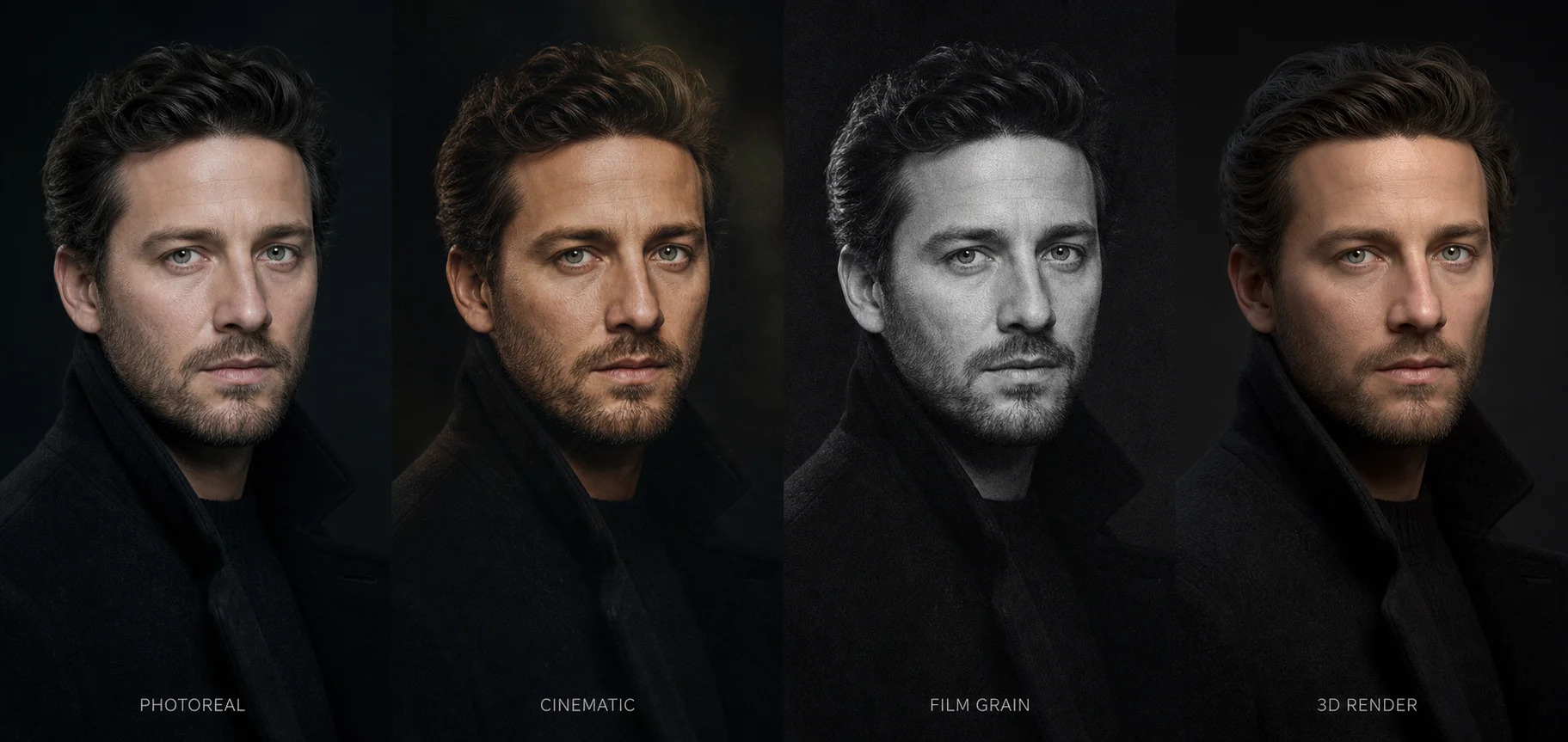
How to make an AI headshot

Four steps from a blank prompt to a finished headshot.

Describe the person and the wardrobe

Write who is in frame and what they are wearing. Age, build, hair, glasses, a navy suit or an open-collar shirt — wardrobe does more work than anything else in a headshot, because it sets the register before anyone reads the face. Say 'charcoal blazer over a white shirt, no tie' rather than 'smart clothes', and the AI lands closer to your intent.

Choose the backdrop

Backdrop choice is a positioning decision, and it quietly decides how the headshot is read. Seamless mid-grey looks corporate, a blurred office feels approachable, brick or a bookshelf suggests consultancy, and pure white suits a press kit. Name the surface and your distance from it, and the AI builds matching spill light and falloff instead of pasting a subject onto flat colour.

Set the lighting

Tell the AI how the shot is lit. A large softbox slightly off-axis with a subtle rim is the standard corporate recipe; window light from camera left feels editorial. Clear instructions produce authentic shadow falloff and true skin tone rather than the flat, evenly lit look that reads as synthetic. Lighting is where an ordinary render becomes a convincing headshot.

Generate, compare, download

Press generate and wait a few seconds. Run the same prompt three or four times and lay the results side by side — expression shifts between AI renders, and the keeper is rarely the first one. Every file the free AI headshot generator produces is watermark-free, at a resolution high enough for print or a conference banner.

Built for professional headshot work

Controls that give you real authority over every AI render.

Corporate lighting recipes

Command the exact setup. The AI understands softboxes, beauty dishes, rim lights and clamshell fill, so it shapes a face the way a portrait photographer would on a real set. Ask for one window at dusk and you get directional falloff, not a flat wash.

Wardrobe control

Specify the outfit down to the fabric: a tailored navy suit, a knitted polo, surgical scrubs, chef's whites, hi-vis on site. Clothing carries the professional signal, and the AI renders drape, sheen and stitching well enough to survive a tight crop.

Consistent team sets

Reuse one lighting and backdrop description across a roster and every AI headshot lands in the same visual family. That is what makes an about-us grid look deliberate rather than assembled from whatever pictures people had on their phones.

Lifelike texture

Skin reads as skin. Pores, faint stubble, laugh lines and subsurface warmth survive the render, which keeps a face clear of the waxy uncanny valley that gives cheaper AI generators away the moment somebody zooms in.

Framing that crops well

Ask for a tight head-and-shoulders, a medium three-quarter or a wider environmental frame. The AI handles lens compression and headroom, so the AI headshot still works when a platform squeezes it into a circular avatar.

HD downloads

Files arrive from the AI in crisp high definition. Catchlights, hair strands and jacket texture survive the export intact, so a shot holds up in print and on a retina display, not only as a thumbnail.

Headshot prompts to start from

Load any of these into the free AI photo engine and make it your own.

Corporate headshot on grey backdrop
Corporate headshot of a man in a navy suit, open collar, seamless grey backdrop, large softbox key light, confident closed-mouth smile.
LinkedIn profile photo in a modern office
LinkedIn profile photo of a woman in a charcoal blazer, blurred modern office behind her, soft window light, warm natural expression.
Conference speaker portrait on a dark backdrop
Conference speaker portrait, three-quarter turn, dark backdrop, dramatic side key with a subtle rim, arms folded, direct eye contact.
Actor headshot in natural daylight
Actor headshot in natural daylight on a shaded porch, plain white t-shirt, minimal styling, sharp focus on the eyes.
Team page portrait on seamless grey paper
Team page headshot of a software engineer, mid-grey seamless paper, even clamshell lighting, knit sweater, relaxed half smile.
Executive portrait in a glass boardroom
Editorial executive portrait in a glass-walled boardroom, late afternoon light, tailored suit, shallow depth of field.

Make your first headshot

Describe the person, choose a backdrop, download the result. No account, no credits, no watermark — just a free AI photo engine that renders on demand.

Start creating

Headshot generator FAQ

The questions people ask most.

Write a prompt covering the person, the wardrobe, the backdrop and the lighting, pick an aesthetic from the dropdown, and press generate. The AI renders a finished frame in seconds. There is nothing to install and no account to register. The free AI headshot generator has no queue and no daily cap, so keep going until one is right.

Plenty of people do. Ask for a neutral mid-grey backdrop, business attire and a large softbox key, and the frame the AI returns reads as a genuine studio sitting. A profile headshot is judged in under a second, so crop tight enough that the face registers at avatar size.

It is. There are no credits, no paywall and no subscription hiding behind the button. The free AI headshot generator runs on the same free AI photo engine as everything else here, so you can render a shot whenever you need one, without handing over a card number or an email address.

No uploads are required, and none are accepted. The AI works purely from text, so it invents a face that has never existed rather than editing a real person's likeness. That is exactly the point for personas and mockups — no consent form, no release, nothing to clear. It also means the AI headshot will not be you, so treat it as illustrative.

Yes, and it is one of the most common uses. Fix the backdrop, lens and lighting in your prompt, change only the description of the person, then run it once per colleague. The AI holds the look steady, which stops a team page resembling six photos from six decades.

Never. Every download is clean and unbranded, so an AI headshot can go straight into a press kit, a pitch deck or a campaign without a logo across the frame. The exported file is high definition and entirely yours to edit, license or publish.