Free AI Photo is an independent, no-account creative tool. No sign-up, no credits, and no watermark — just describe a shot and create it.

Free AI Product Photo Generator

Turn a written description into a clean commercial packshot. This free AI product photo generator delivers studio lighting, seamless backdrops and macro detail instantly. No studio hire, no light tent — describe the product shot you want and watch it appear.

★ 4.9 / 5 for commercial imageryOver 1.2M+ product shots generatedNo sign-up required
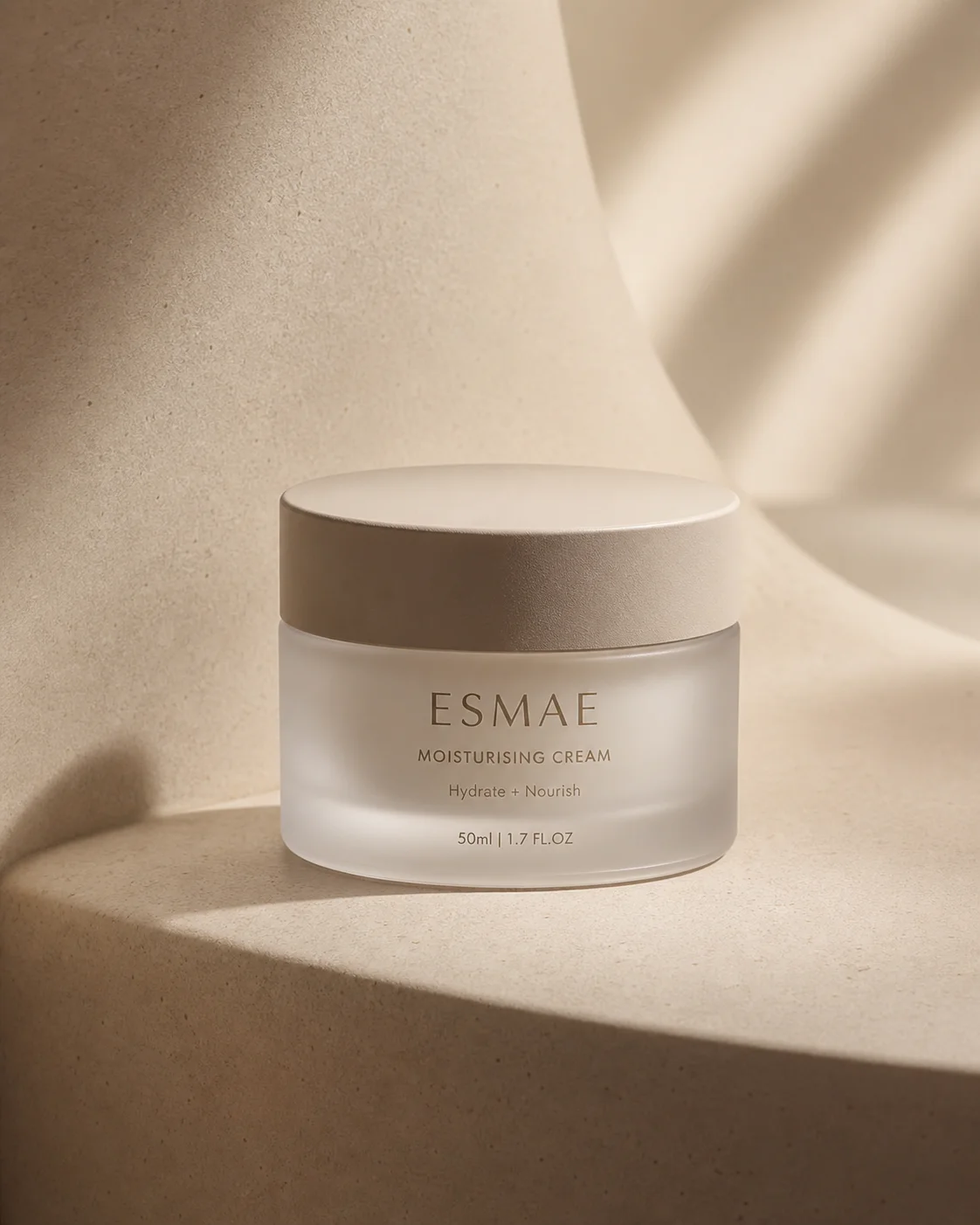
Skincare bottle on a seamless white studio backdrop
Wristwatch macro shot with soft rim lighting

Shooting a catalogue used to mean a studio day, a light tent and a retoucher on call. The AI engine on this page collapses that into a sentence. It runs on the same free AI photo model that powers the rest of the site, and it was tuned on commercial product photography, so a shot arrives with the conventions already in place: clean separation from the backdrop, a controlled specular highlight, and a shadow that sits under the object rather than smearing behind it. Whether you are filling a storefront with placeholder product shots, or testing label designs before a print run, the AI knows how brushed metal, frosted glass and matte board behave under a lens.

The hardest part of product photography is never the object, it is the light. Cheap generators wash a frame flat and every surface reads as plastic. This AI system was trained on real studio setups, so the AI places a key, a fill and a rim deliberately, and the render carries the falloff a softbox actually leaves behind. With the free AI product photo generator you are not getting a cut-out pasted on a white square; you get a full photographic frame, with believable contact shadow, honest colour temperature and macro texture that survives a hundred percent crop. Nothing waits behind a paywall, and the download is the full-quality frame the AI produced.

An AI product photo earns its keep on a product page, in an email header, or across a paid social carousel. Use the AI tools here to test a hero image before you commission the real shoot, to visualise packaging that has not been manufactured yet, or to give a small catalogue the look a large brand pays a studio for. The AI adapts to whatever you ask of it: a stark packshot on seamless white, a lifestyle frame on a sunlit counter, a moody still life lit by one hard source. Because it is free, iteration costs nothing but curiosity, and most people find the fifth attempt is the one that ships.
How to make an AI product photo

Four quick steps to a shelf-ready AI product shot.

Describe the item

Enter a detailed prompt covering the object, its material, its finish and its scale. Say matte ceramic rather than mug, amber glass rather than bottle, so the AI knows which surface to render. Vague prompts produce generic stock objects; a precise description is what makes the first AI product render land close to the thing on your desk.

Set the lighting

Tell the AI how the set is lit. A large softbox overhead, a hard grid spot from the side, or daylight through a window each change the mood and the reflection map entirely. Clear lighting instructions let the AI generator build a credible highlight roll-off and a grounded contact shadow instead of the floating look that gives a fake product away.

Pick an aesthetic

Use the dropdown to choose a look. Photorealistic gives you a straight catalogue frame, cinematic adds contrast and atmosphere for a hero banner, and the stylised modes push the shot toward illustration or a clean 3D render. This step decides the texture the AI applies, so it is worth running one prompt through two of them.

Generate and download

Press generate and wait a few seconds. You get a finished frame in high resolution that you can save immediately and drop straight into a listing, a deck or an ad set. Every file the free AI product photo generator produces is watermark-free and unbranded, so nothing stands between the render and the shop page that needed it.

Built for real commercial work

Controls that give you genuine authority over every AI product render.

Studio lighting

Command the exact set-up. The AI understands softboxes, strip lights, grid spots and bounce cards, so it can shape a highlight along a product edge the way a photographer would on a real table-top rig. Ask for a single hard source and you get directional falloff, not a flat wash.

Seamless backdrops

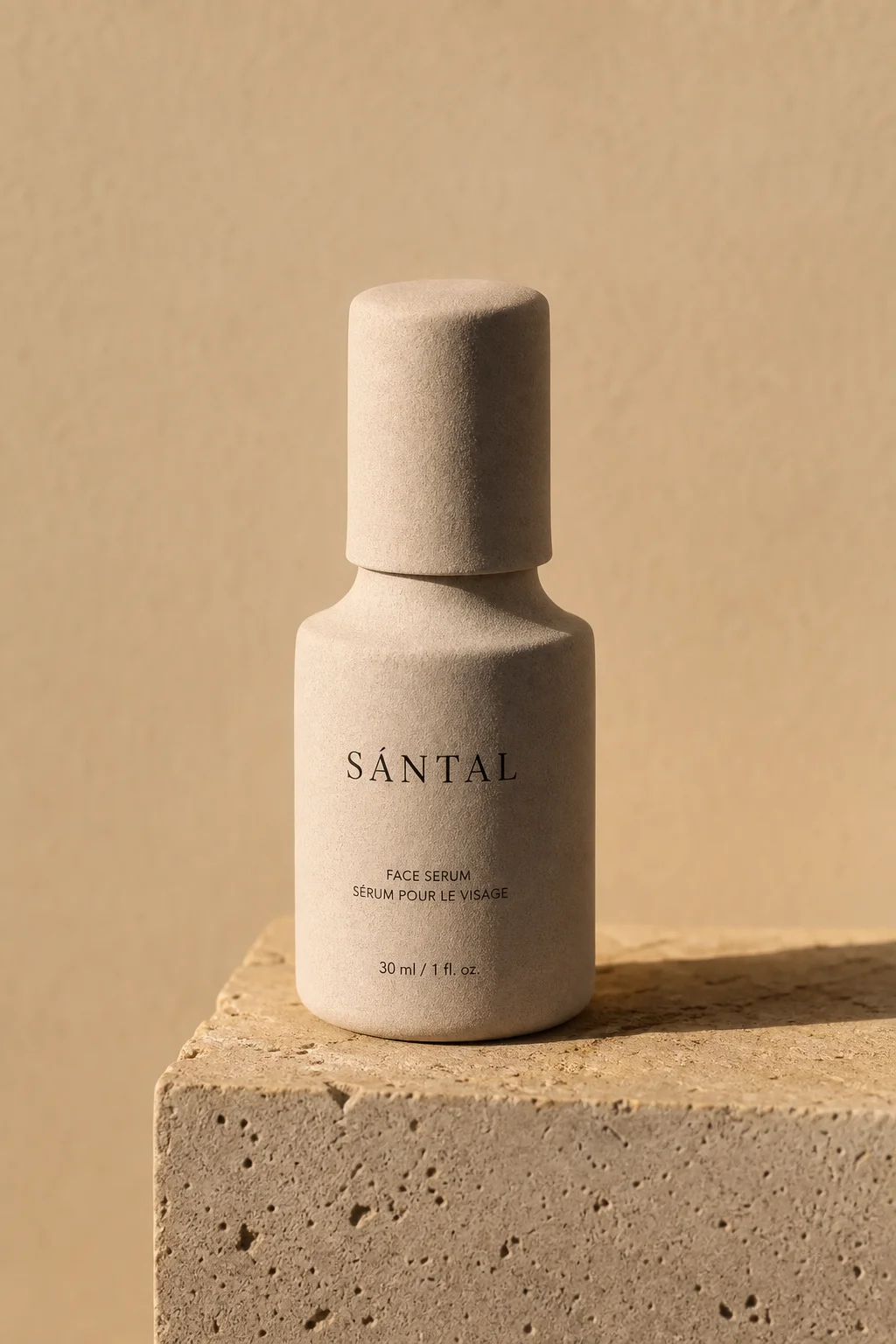
Drop the product onto infinity white, warm plaster, brushed concrete or sunlit linen. The AI keeps the subject cleanly separated and matches the spill light and colour temperature of whatever backdrop you name, which is what makes a set of frames look like one shoot.

Macro detail

Stitching, knurling, embossed lettering, the fine grain of coated card — all of it survives the render. That texture is what keeps an AI product shot out of the smooth, waxy territory that gives cheaper generators away the moment a shopper zooms in.

Precise framing

Adjust the camera with words alone. Ask for a straight-on product shot, a three-quarter hero angle, a flat lay from directly above or a tight macro crop, and the AI handles composition, lens compression and depth of field without a single slider.

Material accuracy

Glass refracts, chrome mirrors the room, matte board swallows light, liquid throws a caustic on the surface below. The AI reads the material you name and applies the optics that go with it, so a bottle looks blown rather than moulded from grey clay.

HD downloads

Files arrive from the AI in crisp high definition. Label typography and edge highlights survive the export intact, so the frame holds up in print and in a full-bleed banner, not only as a thumbnail.

Product prompts to start from

Load any prompt into the free AI photo generator and make it yours.

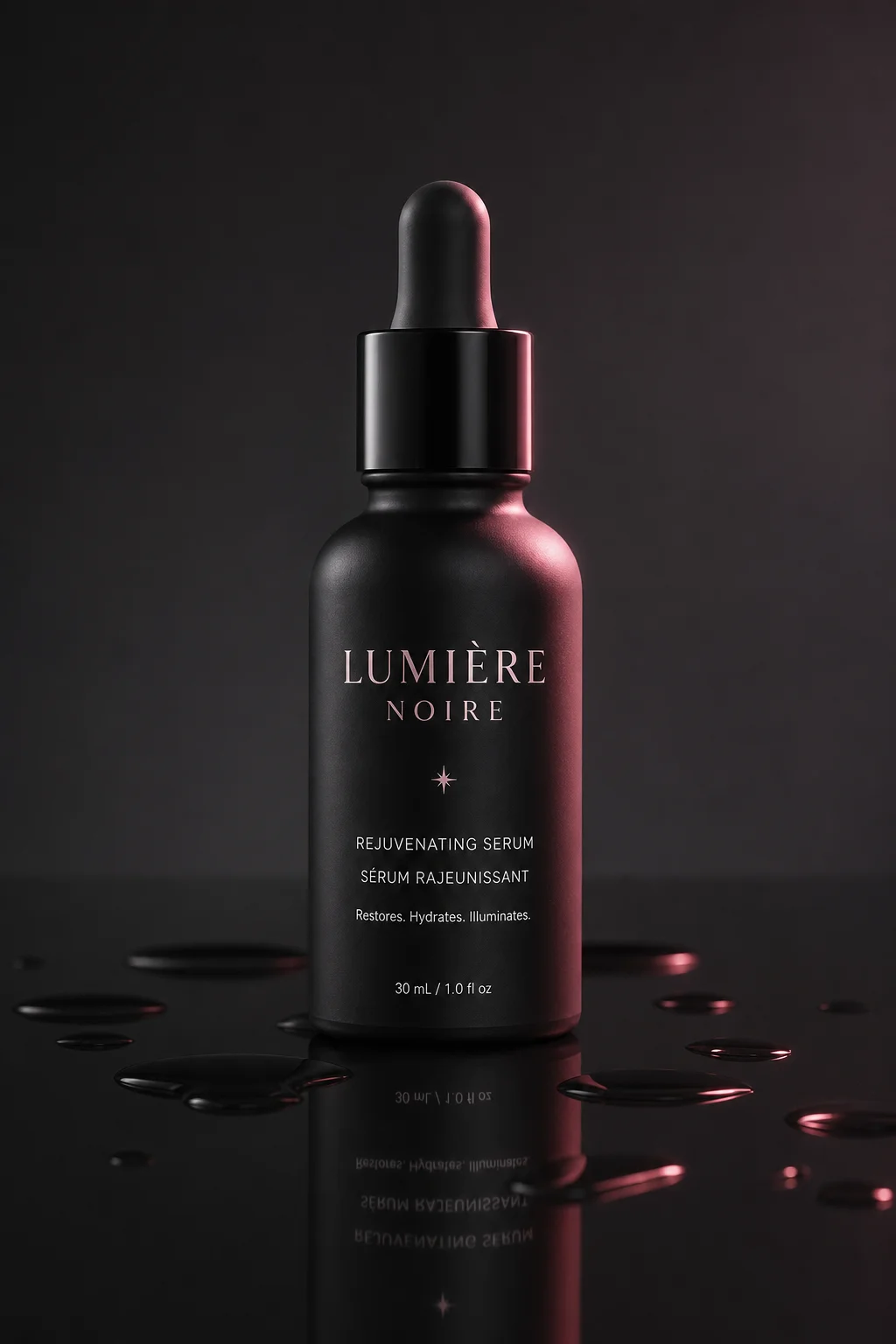
Matte black skincare bottle on seamless white
Studio packshot of a matte black skincare bottle on seamless white, soft overhead softbox, subtle rim light, crisp contact shadow, commercial product photography.
Wristwatch on brushed concrete under hard light
Luxury wristwatch on brushed concrete, hard grid spotlight from the left, deep shadows, macro detail on the dial and crown, high-end advertising still life.
Backlit amber perfume flacon on plaster
Amber glass perfume flacon backlit on a warm plaster surface, refracted highlights through the liquid, shallow depth of field, editorial fragrance photography.
Ceramic mug in morning kitchen light
White ceramic coffee mug on a sunlit kitchen counter, morning window light, soft steam, linen napkin out of focus behind, warm lifestyle photography.
Top-down flat lay of running trainers
Flat lay of running trainers with laces arranged neatly, pastel paper backdrop, even diffused lighting, top-down view, clean ecommerce product image.
Kraft box packaging shot on grey gradient
Kraft cardboard box with an embossed logo floating on a light grey gradient, soft studio lighting, sharp edge definition, minimal packaging shot.

Shoot your first packshot

Describe a product, choose a look, download the result. No account, no credits, no watermark — just a free AI photo engine that renders on demand.

Start creating

Product photo generator FAQ

The questions people ask most.

Type a prompt naming the object, its material and the light you want on it, pick an aesthetic from the dropdown, and press generate. The AI reads your text and renders a finished product frame in a few seconds. There is nothing to install, no account to register, and no cap on attempts.

Yes. Plenty of sellers use this free AI product photo generator for hero banners, category thumbnails and social creatives. Marketplaces expect a listing image to represent the real merchandise honestly, so a synthetic frame is best kept for concept work, packaging mock-ups and campaign visuals.

It is. There are no credits, no paywall and no subscription hiding behind the button. The free AI product photo generator runs on the same free AI photo engine as everything else here, so you can render a packshot whenever a deadline demands one, without handing over a card number or an email address.

No uploads are required, and none are accepted. The AI generator works entirely from text, so the AI invents an object matching your description rather than editing a photograph you already own. That makes it useful for packaging that has not been printed yet.

You can push a frame from a clinical product packshot all the way to a stylised 3D render or an anime treatment. The AI adapts to whichever aesthetic fits the brief — a cinematic advertising still, a warm lifestyle scene, or straight photorealism with no stylisation at all.

Never. Every download is clean and unbranded, so you can put an AI product image into commercial work, marketing campaigns and personal designs without a logo across the frame. The exported file is high definition and yours to edit, composite or publish.