Free AI Photo is an independent, no-account creative tool. No sign-up, no credits, and no watermark — just describe a shot and create it.
Cinematic Style
Turn a plain sentence into a frame that looks pulled from a feature film. This cinematic mode brings the dramatic lighting, heavy contrast and moody grading of a blockbuster to every render, and it reads film vocabulary the way a cinematographer would.
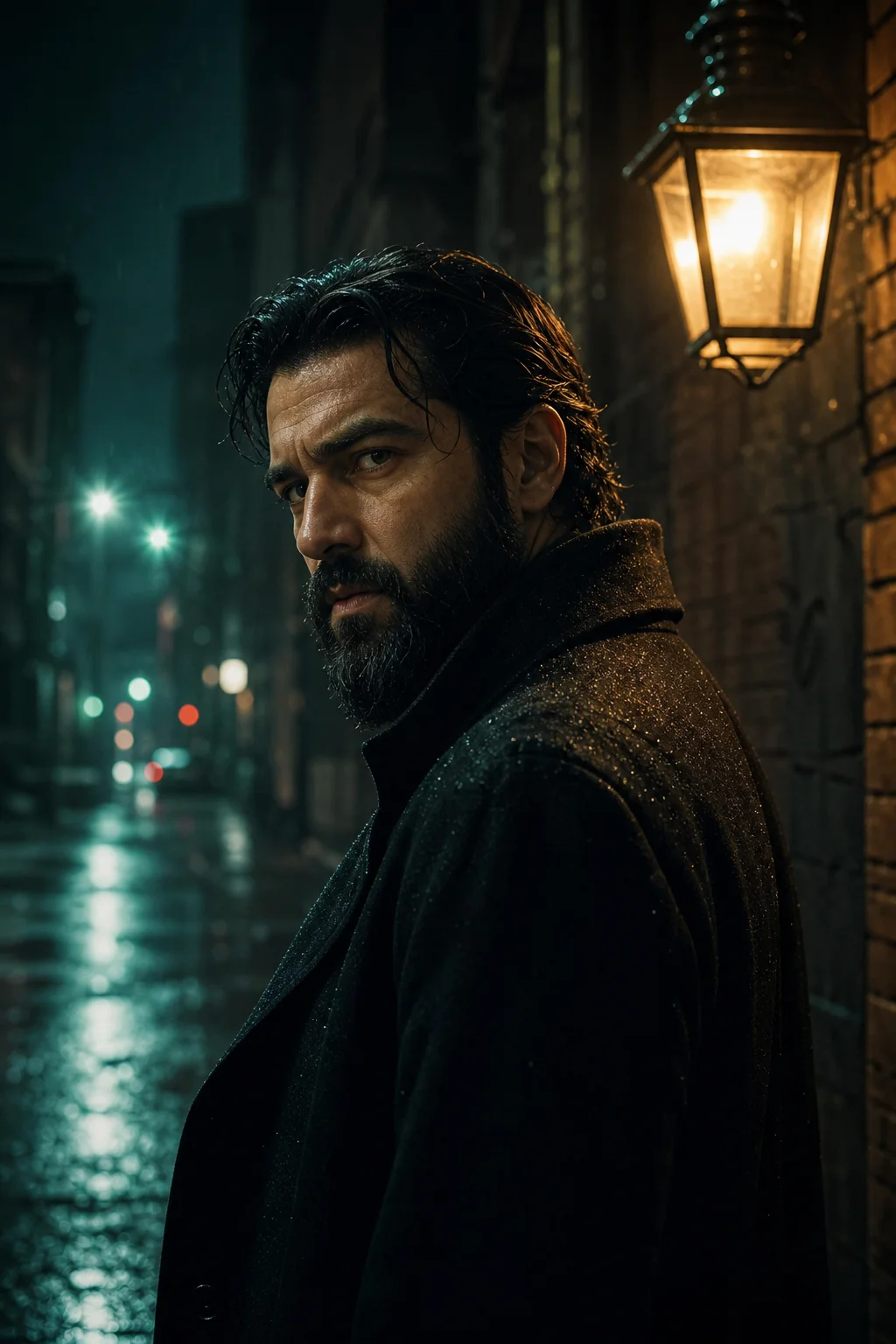

A true cinematic look captures the emotional depth and deliberate composition of premium cinema. The cinematic style applies specific grading behaviour to every render, shifting the balance of highlights and shadows until the frame carries weight. Asking for a cinematic AI photo tells the engine to prioritise atmosphere and narrative over clean documentation, which is exactly what you want for storytelling, concept art and social campaigns where a single image has to set a mood in half a second.
With a free AI photo tool behind it, anyone can direct a cinematic scene. The system builds a scene from your description alone — an intense sci-fi corridor, a sweeping historical vista, a quiet character study by a window. What separates a cinematic frame from an ordinary snapshot is intent: where the light falls, what stays hidden, how much of the story sits outside the frame. You can iterate until that intent is unmistakable, and no attempt costs anything.
This cinematic look rewards specificity, and it rewards patience. When you name the grade, the lens and the light in one prompt, the cinematic AI photo that comes back stops looking generated and starts looking shot. In a well-directed AI photo the grain sits over the highlights, contrast carves the subject out of the background, and the colour palette holds together instead of drifting. Every render lands in high definition and leaves without a watermark, so a cinematic frame is production-ready the moment it appears.
What makes a frame look cinematic
The four things that separate a film still from a snapshot.
Colour grade
A cinematic scene lives or dies on its grade. The teal-and-orange contrast is the obvious one — warm skin against cool shadows — but deep muted hues, bleach-bypass washes and saturated neon accents each carry their own emotional register. Naming the grade in your prompt is the single fastest way to change the mood of an AI photo.
Lighting ratio
Cinematic drama comes from the gap between light and dark. Strong directional key light, heavy rim separation and deep unlit areas give a subject three-dimensional presence, while flat even illumination flattens everything into a product shot. Ask for a high ratio and the AI will let large parts of the frame fall away into black.
Lens and framing
Camera language shapes the geometry of a cinematic frame. Anamorphic glass stretches highlights horizontally, long lenses compress a background into a soft wall of colour, and a wide aspect ratio changes where the eye rests. Specifying focal length and framing tells the AI how much depth of field to hold and how much to throw away.
Grain and texture
Digital perfection reads as sterile. A little 35mm grain, gentle halation blooming around practical lights and a touch of lens softness at the edges convince the eye it is looking at captured film rather than computed pixels. This is usually the difference between a cinematic frame and a clean but lifeless one.
Combining those four is the whole trick. A director of photography spends hours swapping glass, rebalancing lights and choosing stock to land one frame; here you dial in the same decisions in a sentence and see the result in seconds. Type the grade, the ratio, the lens and the texture together, and the cinematic result that comes back will usually beat what you had pictured.
Prompt modifiers that work
Drop these exact phrases into a prompt to steer a cinematic render.
anamorphic lens flareProduces the signature wide horizontal streaks of light familiar from sci-fi cinema.
teal and orange colour gradeApplies the classic blockbuster palette so warm skin tones separate from cool backgrounds.
volumetric lightingRenders visible shafts of light cutting through fog, dust or a half-open window.
35mm film grainAdds an organic analogue texture that takes the artificial smoothness off a render.
chiaroscuro lightingBuilds extreme high-contrast shadow reminiscent of classic film noir photography.
shallow depth of fieldBlurs the background heavily and forces attention onto a single point in the frame.
moody atmospheric fogIntroduces mist and depth cues for an eerie, suspenseful sense of distance.
golden hour rim lightPaints a warm edge around a subject to separate it cleanly from a dark backdrop.
cyberpunk neon glowCasts saturated pink and blue light across wet, reflective urban surfaces.
widescreen compositionPushes the framing into extreme horizontal space, ideal for vistas and standoffs.
Cinematic examples
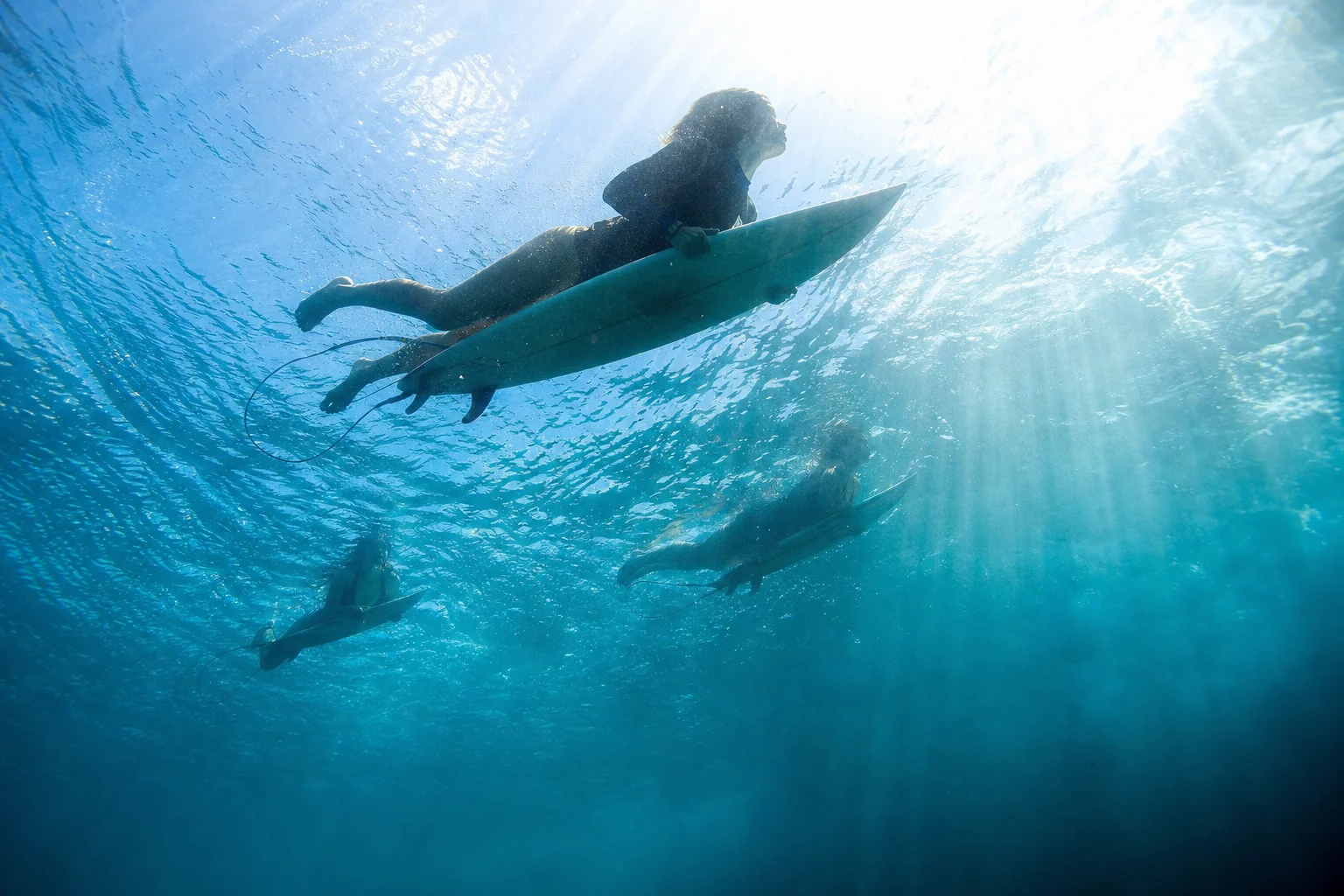
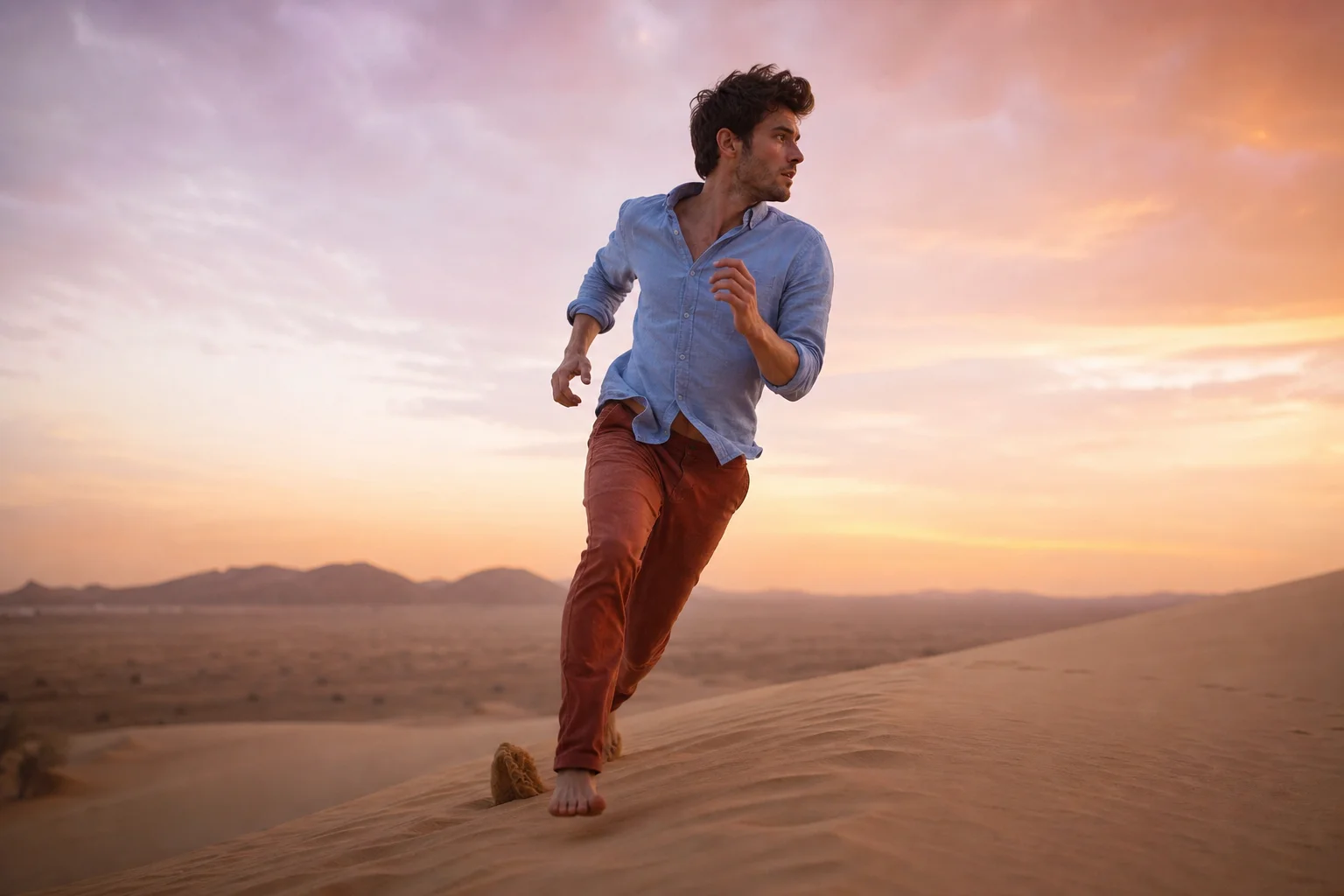
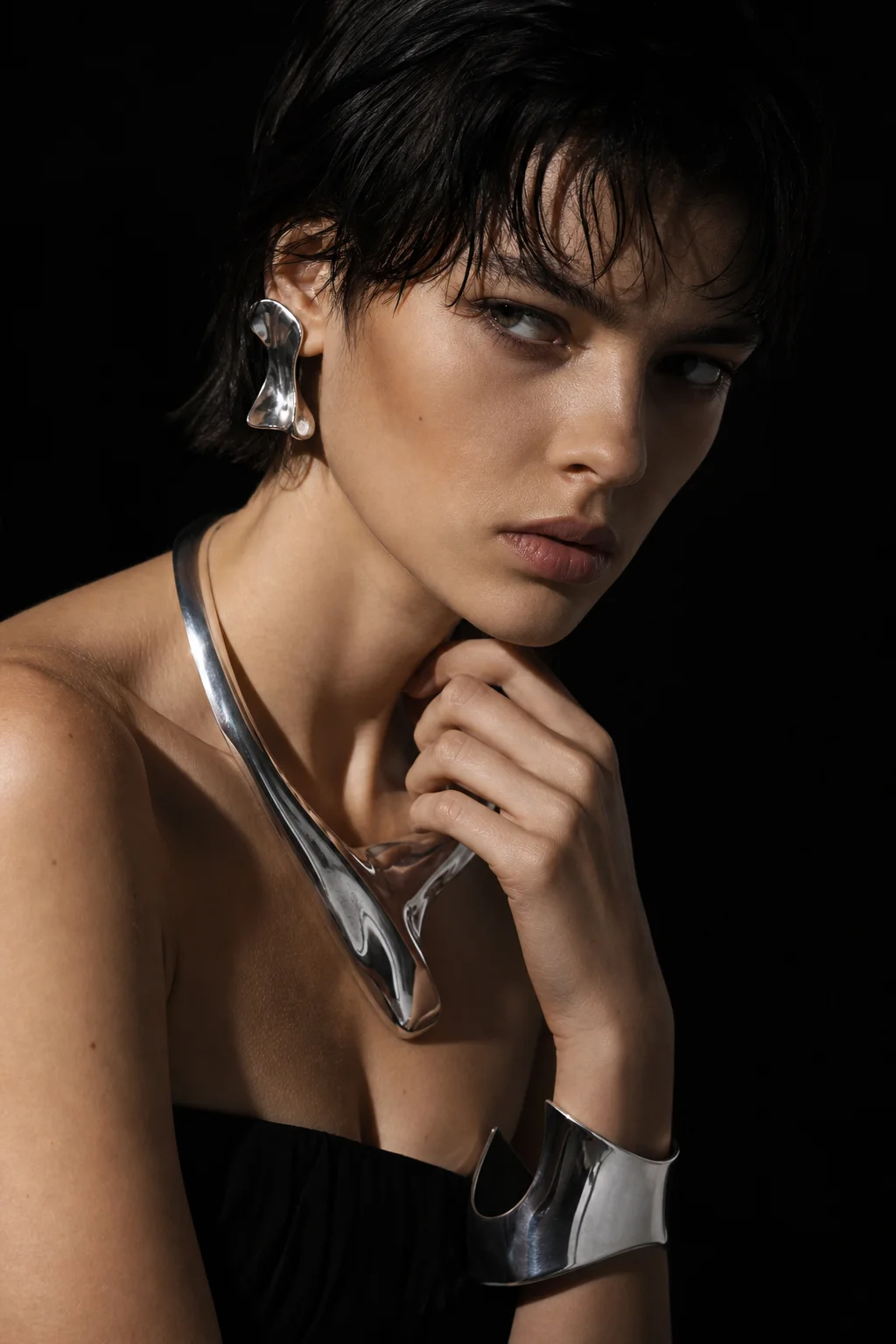
Load any cinematic prompt below and adjust it to taste.
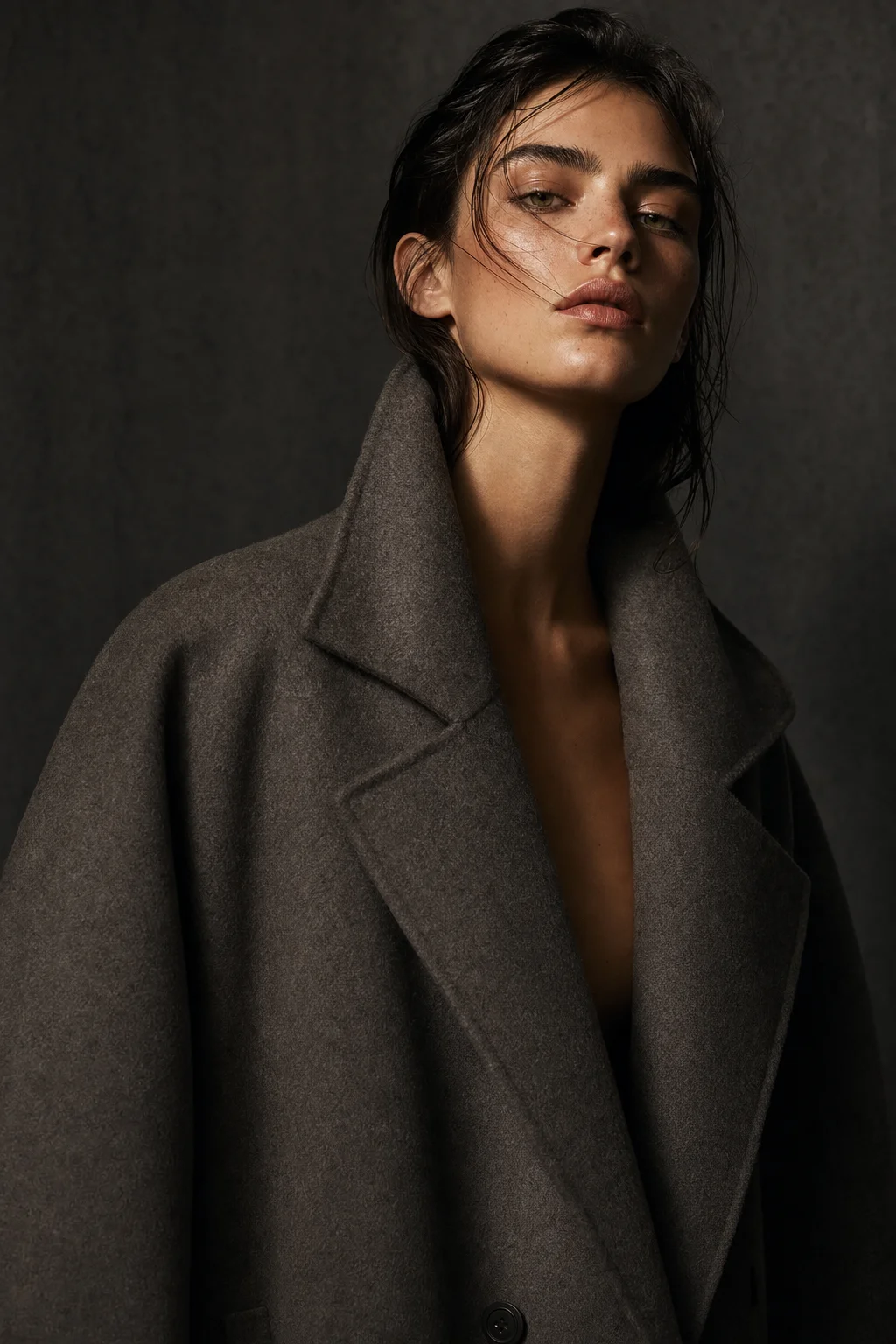
Shoot your first frame
Describe a cinematic scene, name the grade and the light, then download the result. No account, no credits, no watermark — just a free AI photo engine that renders on demand.
Start creatingCinematic style FAQ
The questions people ask most.
Pick this style from the dropdown, then write a prompt that names the lighting and the mood you want. The engine reads film vocabulary directly and applies it to the AI photo it builds, so phrases like chiaroscuro, volumetric light or anamorphic flare change the render immediately. A high-resolution cinematic AI photo comes back in a few seconds.
Yes. Every file generated here is free of watermarks and licensing conditions, so you can put it in client work, a pitch deck or a published campaign without paying royalties or crediting anyone. The cinematic look survives compression well, which matters for social.
No. This is a free AI photo generator with no credits, no trial period and no paid tier waiting once you get interested. Render a cinematic AI photo as often as you like, and switch to any other style in the list without hitting a limit or a prompt to upgrade.
Photorealism aims for a neutral, accurate record of a scene. This mode deliberately pushes contrast, adds grain and grades the colour toward a mood, which is what gives a cinematic AI photo its narrative feel. Use photorealism for documentation and the cinematic mode for storytelling.
There is no registration step at all. You can start generating immediately without an email address, a password or a payment method, and nothing about your session is tied to an identity. It is deliberately frictionless, entirely anonymous, and every cinematic render behaves the same way.
Widescreen. A 16:9 cinematic frame gives the composition room to breathe and matches how most film is shot and viewed, so it flatters landscapes, two-shots and standoffs. Square and vertical still work well for a tight character close-up destined for a social feed.