Free AI Photo is an independent, no-account creative tool. No sign-up, no credits, and no watermark — just describe a shot and create it.
Photorealistic Style
Render a scene that survives a second look — correct optics, materials that behave like real materials, and skin that keeps its texture. The photorealistic mode aims for an accurate record of a moment rather than a stylised interpretation of one.
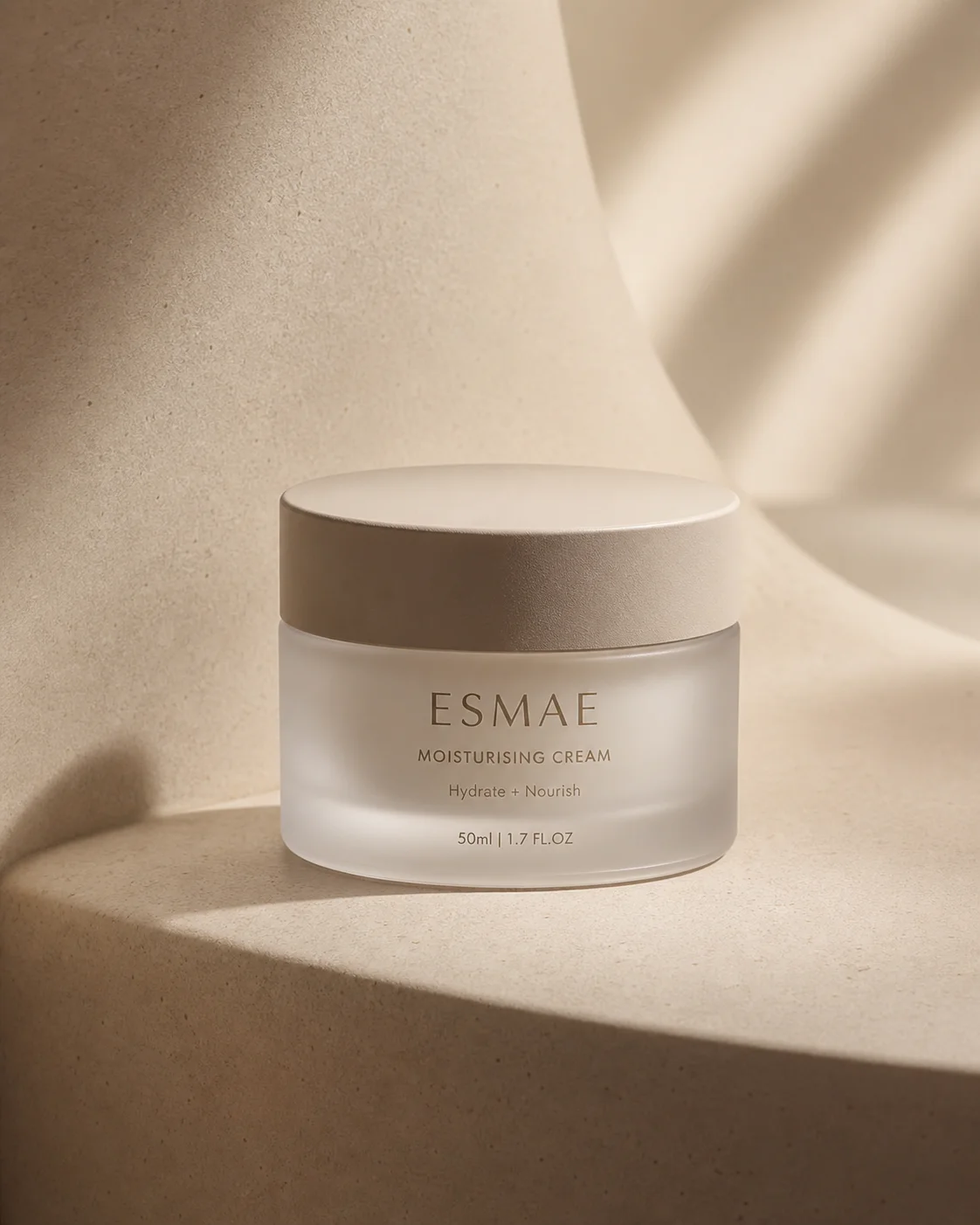
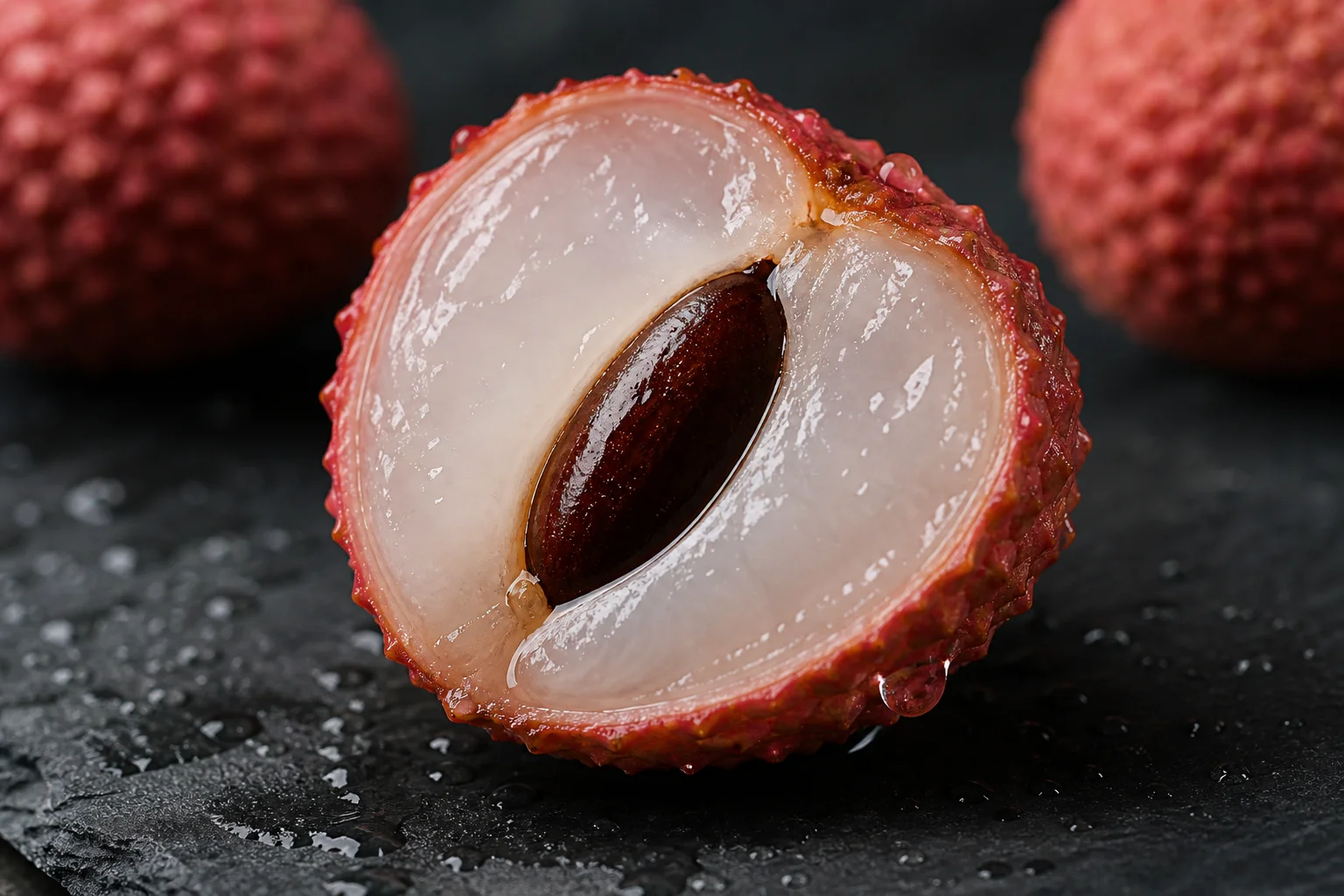
A photorealistic render is judged by a harsher standard than any stylised one, because everybody already knows what the real thing looks like. The photorealistic style therefore optimises for accuracy instead of impact: neutral white balance, light that falls off the way inverse-square says it should, and surfaces that scatter and reflect according to what they are made of. Asking for a photorealistic AI photo tells the engine to behave like a camera rather than an illustrator, which is what you want for product shots, documentation and anything a viewer is meant to take at face value.
Because this is a free AI photo tool, you can test that photorealistic standard as often as you like. Describe a kitchen counter at ten in the morning, a mechanic's hands on a wrench, a coat on a chair — the system builds the scene from the sentence alone. Photorealistic detail lives in the small print: the faint asymmetry of a face, a fingerprint on glass, the way linen creases rather than folds. Every attempt is free, so you can chase those details until nothing in the AI photo contradicts itself.
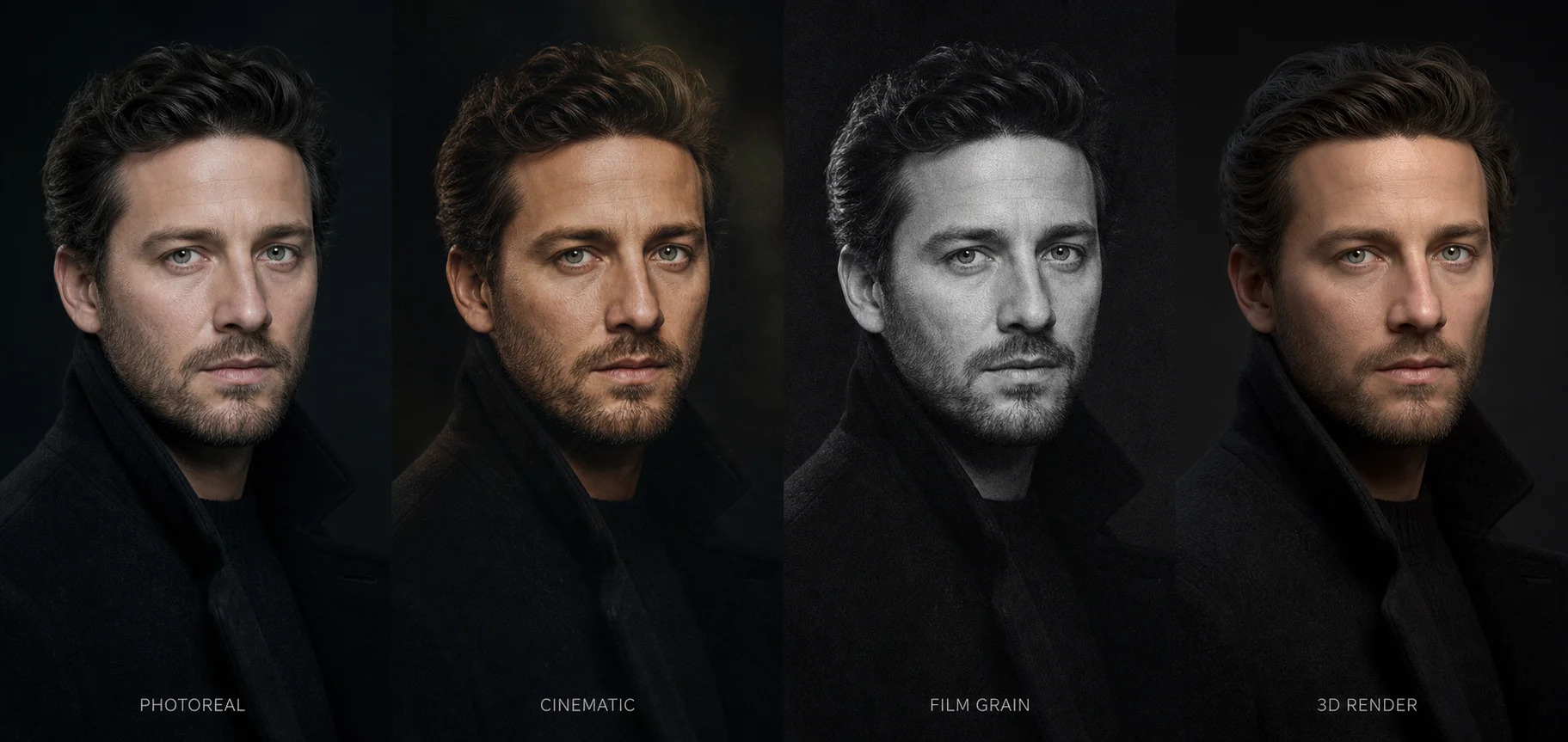
It is worth being clear about what this mode is not. The cinematic style grades colour toward a mood and lets whole regions of the frame drop into black; photorealism keeps the midtones honest and the shadows open, because that is what an unmanipulated exposure looks like. A photorealistic AI photo should read as observed rather than authored. Every render from this free AI photo engine arrives in high definition and leaves without a watermark, so the file is ready for a catalogue page, a slide or a print run the moment it appears.
What makes an image read as a real photograph
The four things the eye checks before it believes a photorealistic frame.
Material accuracy
Every surface has a signature. Skin is translucent at the ears and nose, brushed metal streaks along the grain, cotton diffuses light while silk throws a hard specular line, and old wood holds dirt in its pores. Name the material in a photorealistic prompt and the render stops looking like painted plastic.
Light physics
Real light bounces. It picks up the colour of a red wall and lays it on a cheek, fills a shadow with sky-blue on an overcast day, and falls off sharply near a small source. When the bounce, the falloff and the colour temperature agree, a photorealistic frame is hard to argue with even at full resolution.
Lens behaviour
Cameras are imperfect instruments and that imperfection is a tell. Depth of field falls away gradually rather than in a hard ring, out-of-focus highlights take the shape of the aperture blades, wide glass stretches faces near the edge of the frame, and long glass compresses distance. A focal length and an f-stop give a photorealistic render something physical to imitate.
Honest imperfection
Nothing in the world is clean. Pores, stray hairs, chipped paint, dust on a lens, a slight motion blur in one hand, sensor noise in a dim room — these are the artefacts a photorealistic image needs. Perfect symmetry and flawless skin are the fastest way to make a viewer smell a render.
Those four reinforce each other. Correct materials under bad light still look wrong, and perfect physics on a face with no pores still looks synthetic. The habit worth building is to describe the surface, the light, the lens and one flaw in the same sentence; that is what turns a competent photorealistic render into an AI photo nobody questions.
Prompt modifiers that work
Drop these exact phrases into a prompt to push an AI photo toward photorealistic accuracy.
shot on 85mm f/1.4Gives the render a real portrait lens to imitate, with gentle compression and a shallow, gradual falloff.
natural window lightReplaces invented studio glow with a single soft directional source and a believable falloff across the face.
subsurface scatteringLets light travel a short way inside skin, wax and leaves, which stops flesh looking like rubber in a photorealistic close-up.
true-to-life colourHolds white balance neutral and keeps saturation where a calibrated camera would leave it, which is the baseline every photorealistic frame needs.
visible skin poresRestores the fine surface texture that retouching removes and beauty filters flatten out entirely.
shallow depth of fieldSeparates a subject from its background optically rather than by cutting it out and blurring behind it.
overcast diffused daylightProduces the soft, shadowless illumination of a grey sky, which flatters faces and reveals true colour.
sharp focus on the eyesPuts the focal plane where a portrait photographer would, and lets everything else soften naturally.
documentary candid photographSuppresses posed symmetry in favour of the awkward, unbalanced framing that real reportage produces.
fine grain and sensor noiseAdds the faint luminance texture a sensor leaves in shadow, killing the plastic smoothness that gives a photorealistic render away.
Photorealistic examples
Load any photorealistic prompt below and adjust it until the details hold up.
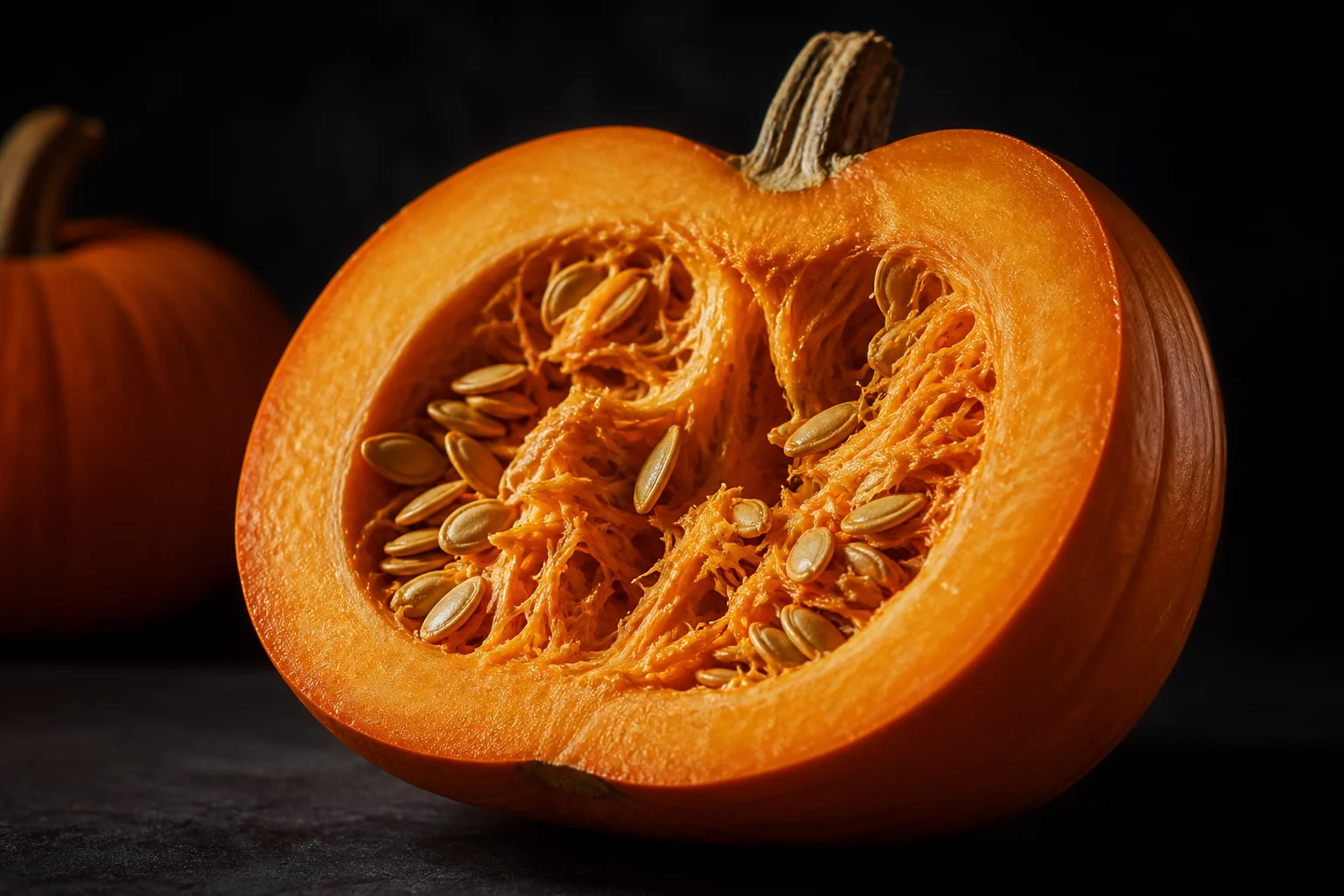
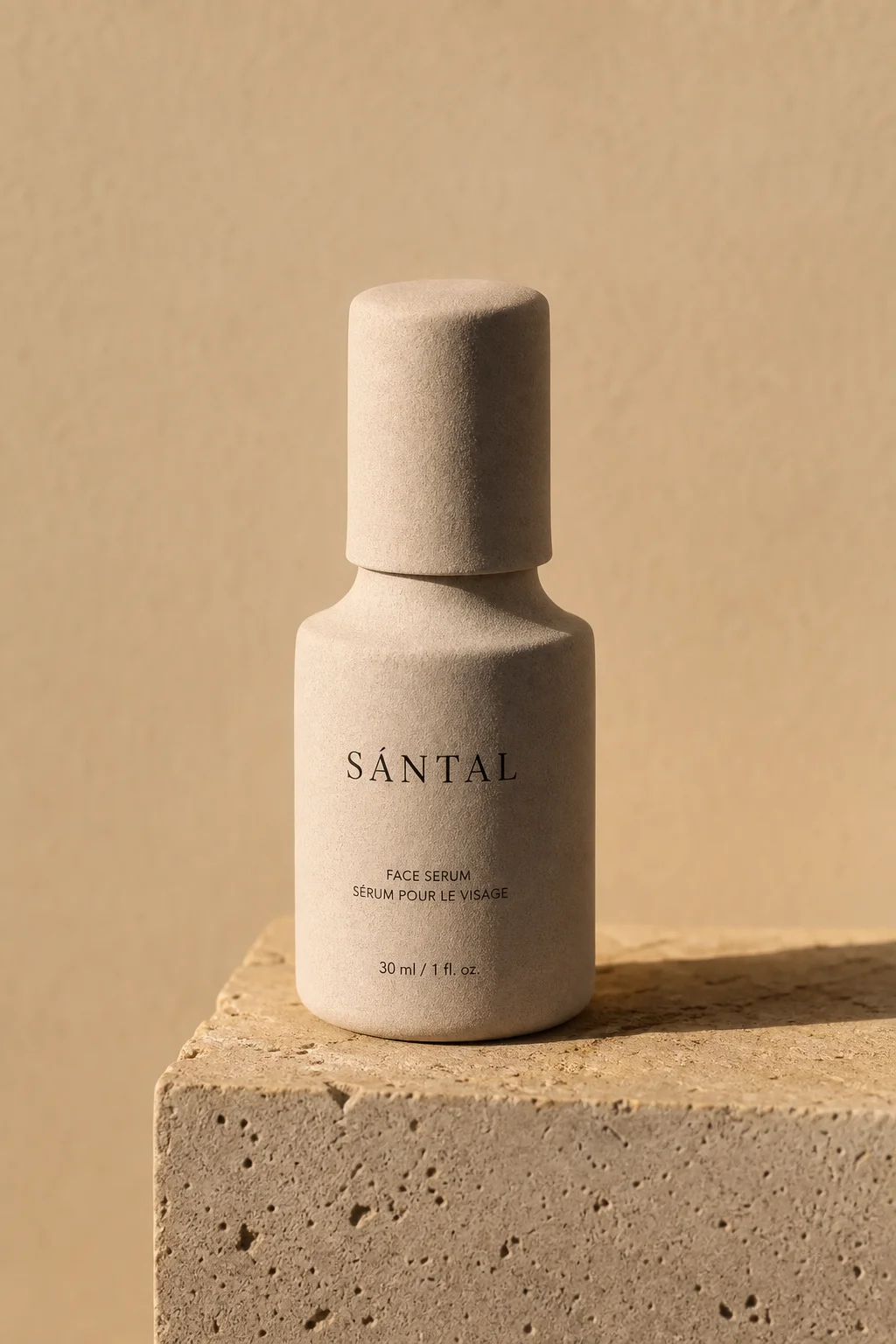
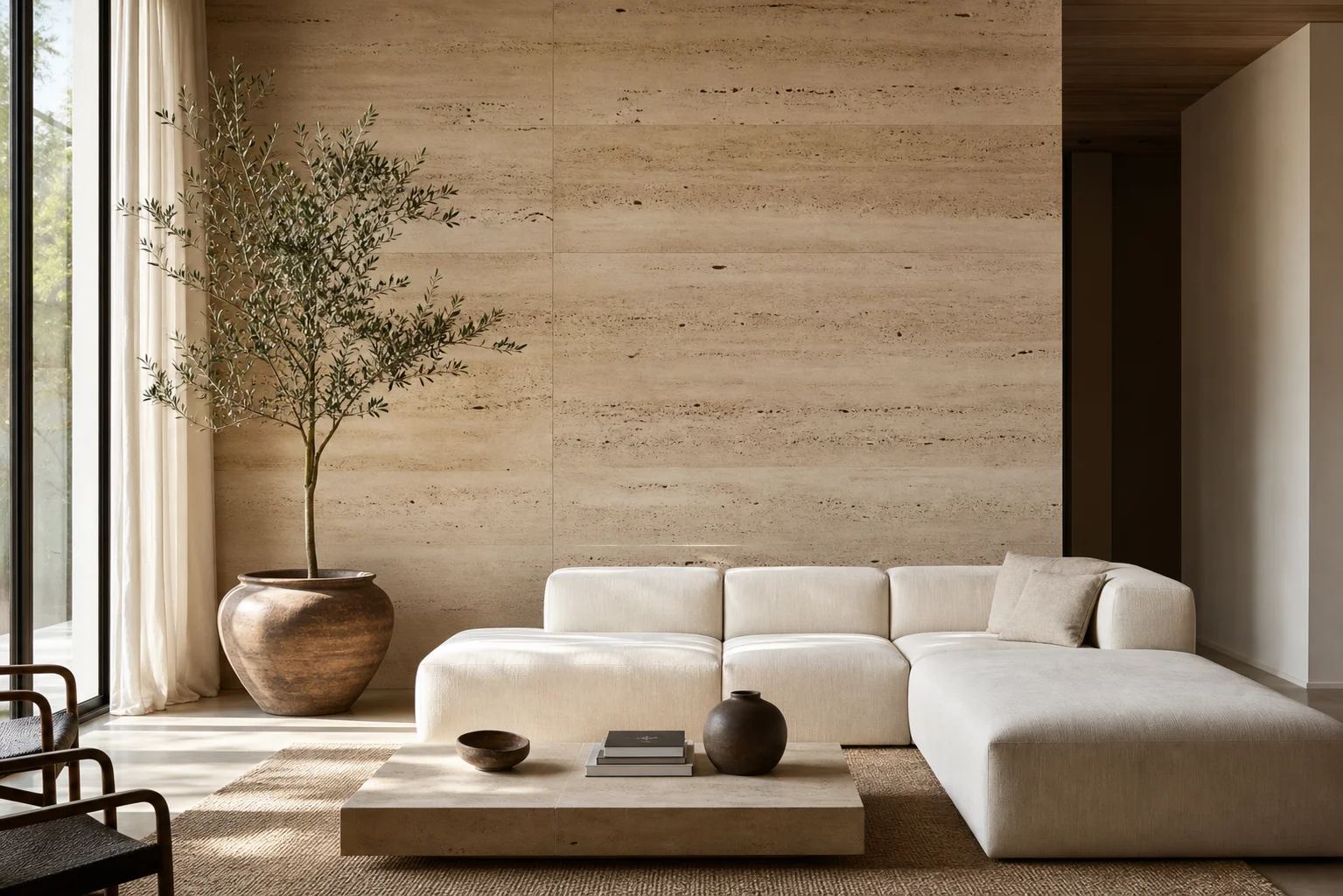
Render something believable
Describe the surface, the light and the lens, then download the photorealistic result. No account, no credits, no watermark — just a free AI photo tool that renders on demand.
Start creatingPhotorealistic style FAQ
The questions people ask most.
Choose this style from the dropdown, then write a prompt that names a light source, a lens and a material. The engine reads camera vocabulary directly, so phrases like natural window light, shot on 85mm f/1.4 and visible skin pores change the AI photo it builds. A high-resolution photorealistic AI photo lands in a few seconds.
Yes. Every file generated here is free of watermarks and licensing conditions, so it can go into a product listing, a client deliverable or a printed brochure without royalties or attribution. The photorealistic mode is the one people most often need commercially, which is exactly why nothing here sits behind a paid tier.
No. This is a free AI photo generator with no credits, no trial window and no upgrade prompt waiting once you are invested. Generate a photorealistic AI photo as often as you like and switch styles freely — nothing changes about the resolution or the export.
The cinematic style grades colour toward a mood, crushes the shadows and adds grain for atmosphere. The photorealistic mode keeps white balance neutral, holds detail in the highlights and shadows, and never pushes contrast for effect. Use the cinematic look when you want a viewer to feel something, and photorealism when you want them to believe the frame was simply taken.
There is no registration step at all. You can start generating immediately without an email address, a password or a payment method, and nothing about your session is tied to an identity. It is deliberately frictionless and entirely anonymous, and every photorealistic render behaves the same way.
Skin is the hardest surface to fake because we look at it all day. If a face reads as waxy in a photorealistic render, add subsurface scattering, visible skin pores and a named light source, then describe one asymmetry — a crooked smile, a stray hair. Those corrections fix most of it, and each retry on a photorealistic AI photo costs nothing.